Why React Components Re-Render (And When You Should Actually Care)
A render is cheap. A slow render is not. Knowing the difference saves a lot of pointless optimisation.

6 min read

A render is cheap. A slow render is not. Knowing the difference saves a lot of pointless optimisation.
There is a stage every React developer passes through where they discover memo, useMemo and useCallback, and immediately apply all three to everything. The application gets more complicated, harder to read, and no faster.
The misunderstanding underneath is that a re-render is expensive. Usually it is not. React re-running a component function and comparing the result is fast; it is a specific subset of renders — heavy trees, expensive computations, long lists — that actually cost anything.
Knowing which is which requires understanding what triggers a render in the first place. There are exactly four causes, and none of them is the one people usually assume.
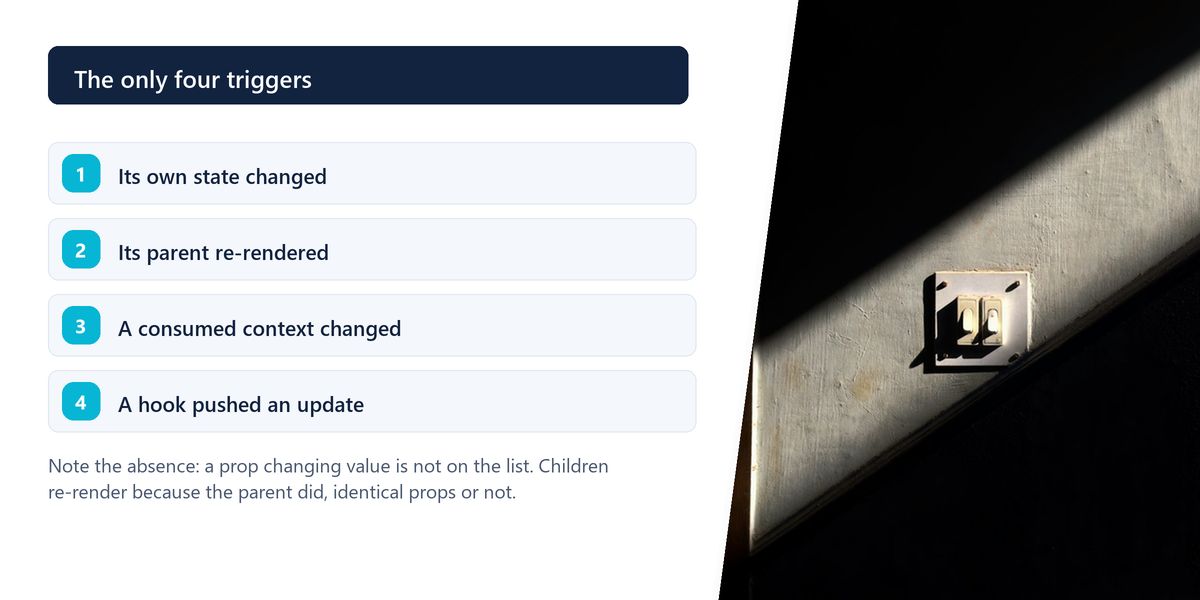
setState call schedules a re-render of that component.The second one is what surprises people. React does not compare props by default. If a parent re-renders, its children re-render — even if you passed them exactly the same values.
Re-render does not mean re-touch the DOM. React runs your component function, produces a new description of the UI, compares it with the previous one, and updates only the parts that actually differ. Most re-renders result in no DOM change at all, which is why they are usually cheap.
Four situations, and only these are worth optimising for.

Outside these, a re-render costs microseconds. Optimising it adds code and dependency arrays for no measurable benefit — and, occasionally, for negative benefit, since the comparison itself has a cost.
This is the mechanism behind nearly every failed memoisation attempt. In JavaScript, two objects with identical contents are not equal — {a: 1} does not equal {a: 1}. React's default comparison checks identity.
So a component wrapped in memo that receives an inline object, an inline array, or an arrow function as a prop will re-render every single time, because that prop is a brand new value on every parent render. The memo does nothing except add a pointless comparison.
| Prop passed | Same value each render? | Does memo help? |
|---|---|---|
| A string or number | yes, if unchanged | yes |
| An inline object literal | no — new reference | no, unless memoised |
| An inline arrow function | no — new reference | no, unless wrapped in useCallback |
| A value from useMemo | yes, while deps are unchanged | yes |
| children as JSX | no — new elements each render | no, unless passed from a stable parent |
Wrapping a component in memo while passing it a new inline function on every render is worse than doing nothing. You pay for the comparison, it fails every time, and the component re-renders anyway — with extra code in the file to maintain.
Most re-render problems have a structural fix that is simpler and more durable than memoisation, and it usually comes down to where state lives.
If a piece of state is used by one small component, keep it there. State held high in the tree re-renders everything below it on every change. A search input whose value lives at the page level re-renders the page on every keystroke; the same input owning its own state re-renders only itself.
A component that re-renders frequently can accept expensive subtrees as children. Elements passed in as children are created by the parent, so they are not re-created when the wrapper re-renders — the heavy part sits still while the wrapper updates.
One large context object means every consumer re-renders when any part of it changes. Splitting rarely-changing values (theme, current user) from frequently-changing ones (form state) removes a large class of unnecessary updates.
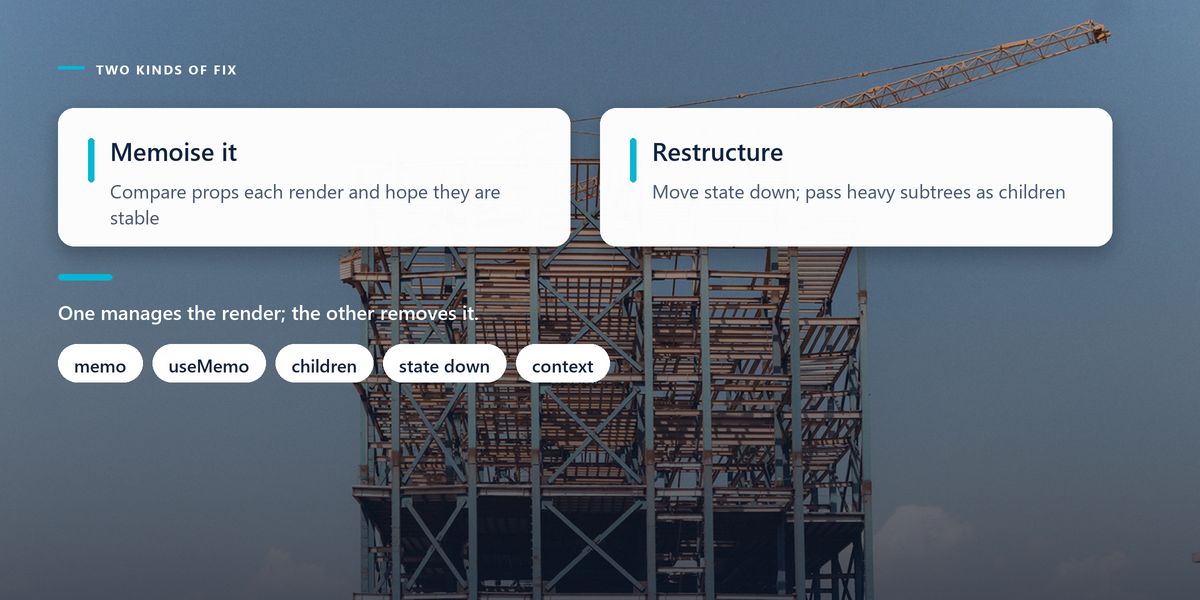
It genuinely helps in three cases: an expensive calculation you want to avoid repeating (useMemo), a stable function or object identity required by a memoised child or a hook dependency array (useCallback), and a heavy component receiving stable props (memo).
In all three, the deciding question is the same: have you measured the cost of not doing it? The React Profiler will tell you which components render, how often, and how long each takes. Guessing at this has a poor track record.
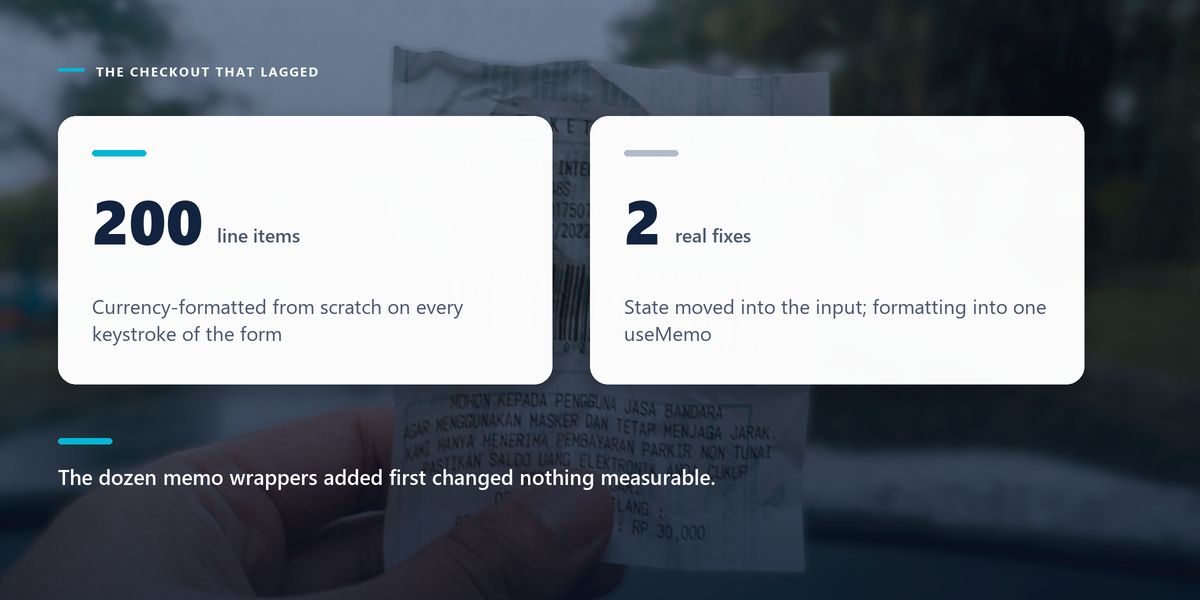
A checkout form felt sluggish — noticeably behind the user's typing on lower-end phones. The team's first response was to wrap a dozen components in memo and every handler in useCallback. It made no measurable difference.
The profiler showed why in about a minute. Every keystroke updated form state held at the page level, which re-rendered an order summary containing a currency-formatting loop over 200 line items. The memoised components were never the problem.
Two changes fixed it: the input field took ownership of its own value and reported upward on blur, and the summary's formatting moved into a useMemo keyed on the items array. Typing became instant. Most of the earlier memo wrappers were then deleted.
Profile first, always. Open the React DevTools Profiler, record the interaction that feels slow, and look at what actually rendered and how long it took. The answer is frequently somewhere nobody suspected, and it is almost never where the memo calls were added.
Components re-render because of their own state, a parent render, a context change, or a hook update. Re-rendering is usually cheap because React only updates the DOM where output differs. Optimise when computation is expensive, lists are long, or trees are heavy — and prefer moving state down and passing children through over scattering memoisation.
React performance work goes wrong when it becomes a set of reflexes instead of a response to evidence. The profiler takes two minutes to run and routinely overturns the assumption you were about to spend an afternoon acting on.

Write the straightforward version, measure when something feels slow, then fix the specific thing that is slow. If the problem turns out to be initial load rather than interaction, our guide to Next.js rendering strategies is the better place to look.
Tap a star to share what you thought.
No ratings yet
Four things: its own state changes, its parent re-renders, a context it consumes changes value, or a hook it uses triggers an update. Notably, React does not compare props by default — a parent render re-renders children regardless.
Usually not. React runs the component function and updates only the DOM nodes that actually differ, which is fast. Re-renders matter when they contain expensive computation, render long lists, or sit above heavy components like charts and editors.
Almost certainly because a prop is a new reference on every render — an inline object, array, arrow function or JSX children. React compares by identity, so a structurally identical but newly created value fails the check every time.
Sign in to join the conversation.
Loading responses…
Have a story, idea, or something valuable to share? Join The Blog Story for free, publish your content, reach more readers, and earn a share of advertising revenue from eligible content.
Create quality content. Grow your audience. Grow your earning potential.
When a calculation in the render path is genuinely expensive, such as sorting or transforming a large array, or when you need a stable object reference for a memoised child or a dependency array. Not as a default wrapper for cheap expressions.
useMemo caches a computed value; useCallback caches a function definition. useCallback(fn, deps) is equivalent to useMemo(() => fn, deps). Both exist to preserve identity between renders.
Use the React DevTools Profiler. Record the interaction that feels slow and inspect which components rendered, how often and for how long. It regularly contradicts the assumption you were about to act on.
Keeping a piece of state in the smallest component that needs it, rather than high in the tree. State held at page level re-renders everything below it on every change, which is why a search input can make a whole page feel sluggish.
It can. Elements passed as children are created by the parent, so a frequently re-rendering wrapper does not re-create them. The heavy subtree stays stable while the wrapper updates around it.