Next.js Rendering Strategies Explained: Static, Server, Client and Streaming
Four ways to turn data into HTML, and how to pick the right one per page.

6 min read

Four ways to turn data into HTML, and how to pick the right one per page.
The genuinely useful thing about Next.js is not any single rendering mode. It is that you can choose a different one for every route in the same application — and that most performance complaints trace back to a route using the wrong one.
A marketing page and a live dashboard have almost nothing in common in terms of how they should be built. One should be HTML sitting on a CDN. The other cannot be cached at all. Applying one strategy to both is how sites end up either stale or slow.
This is a plain-language tour of the options, what each actually does at request time, and how to decide.

The page is rendered to HTML when you build the site. Every visitor is served the same file, usually from a CDN edge close to them. There is no server work at request time at all.
This is unbeatable when it applies. Response times are limited by network distance rather than computation, costs are negligible, and there is no origin server to fall over under load.
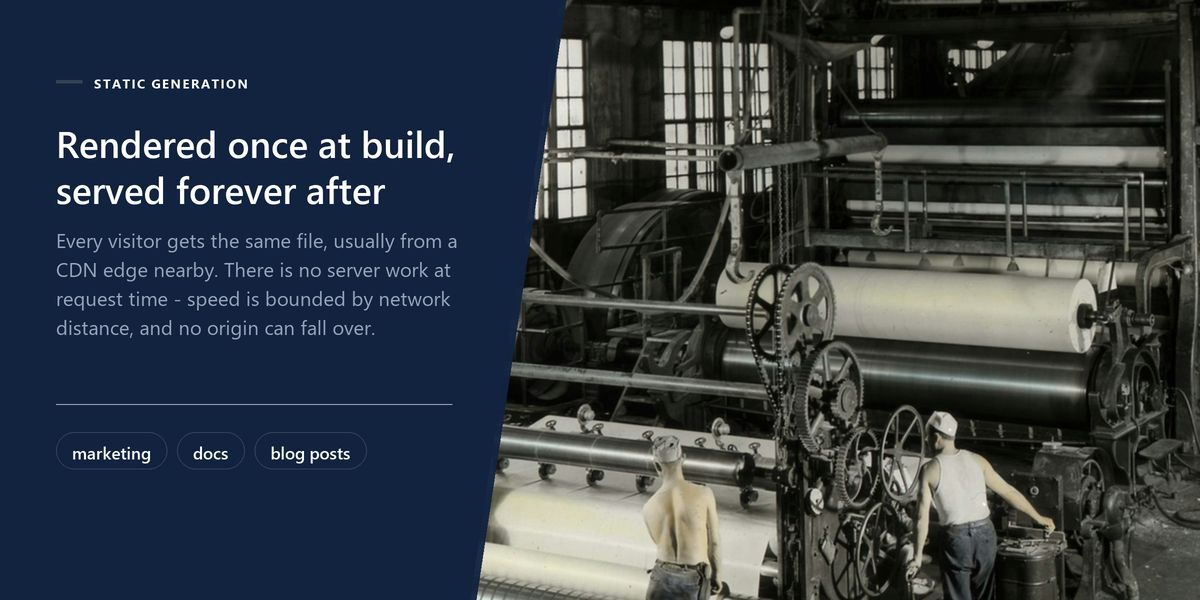
It applies whenever content is the same for everyone and does not change every minute: marketing pages, documentation, blog posts, product listings that update daily rather than continuously.
The server renders the page fresh for each request. This is what you need when the output depends on who is asking — a personalised feed, an account page, anything behind a login — or on data that must be current to the second.
The cost is real. Every visit does work: fetching data, rendering, sending. Time to first byte is bounded by how long your slowest data source takes, which is why a server-rendered page hanging on a slow API feels worse than a client-rendered one that at least shows a shell.
This is the option most sites actually want and many never enable. The page is served statically, but after a revalidation period the next request quietly triggers a fresh render in the background. Visitors keep getting the fast cached version; the content updates on a schedule you set.
For a blog, a news section, a catalogue or anything where content changes hourly rather than by the second, it delivers static performance with acceptable freshness. A one-minute revalidation window is invisible to readers and eliminates virtually all server load.
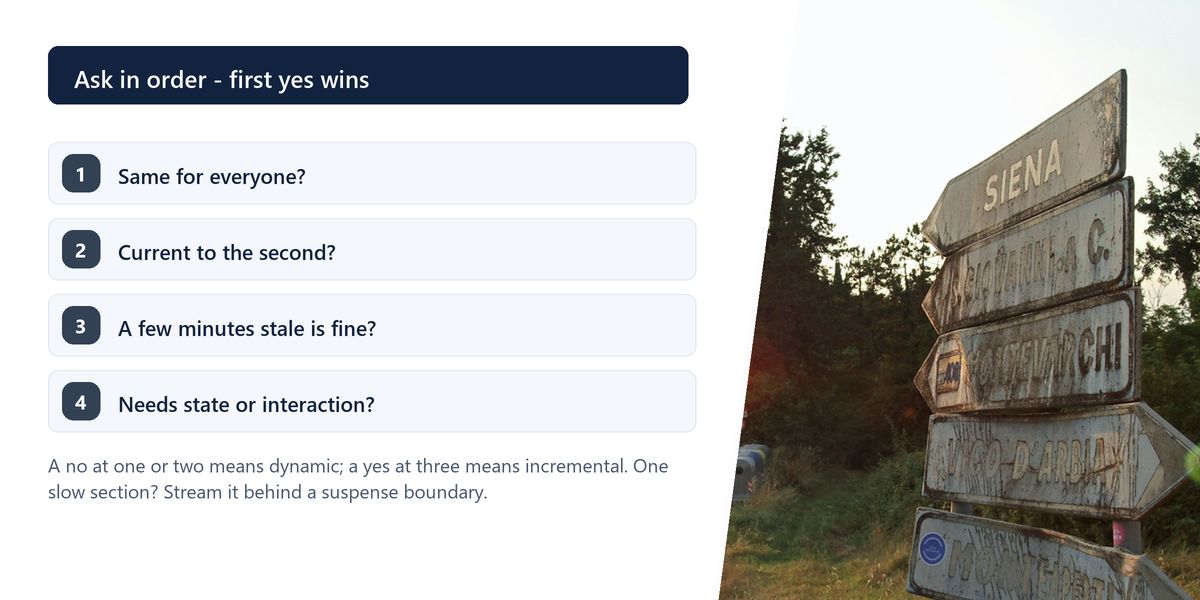
Start with the most static option a page can tolerate and move towards dynamic only when a real requirement forces it. Teams routinely server-render pages that change twice a day, paying for a database round-trip on every single visit for no benefit whatsoever.
Data is fetched in the browser after the initial HTML loads. This is right for content that is inherently interactive or personal — a live chart updating every few seconds, an editor's autosave state, anything depending on browser APIs.
It is wrong for primary content. A page whose main text arrives via client-side fetch shows an empty shell first, which hurts perceived speed, and puts your content behind a JavaScript execution step for anything trying to read it.
| Strategy | Rendered when | Best for | Main cost |
|---|---|---|---|
| Static | at build time | marketing, docs, blog posts | content is frozen until rebuild |
| Incremental | at build, then refreshed | catalogues, news, listings | content up to N seconds stale |
| Server | on every request | personalised and live pages | server work on every visit |
| Client | in the browser, after load | interactive widgets and live state | blank shell first, worse for SEO |
| Streaming | progressively, per section | pages with one slow section | more care around loading states |
The modern Next.js app router adds a distinction worth understanding: components render on the server by default, and only the ones you explicitly mark as client components ship JavaScript to the browser.
That default is powerful. A server component can query a database directly, and none of the code involved — including the query library — reaches the user's browser. Bundle size drops substantially in a typical application.
The rule for where to draw the boundary is straightforward: anything needing state, effects, event handlers or browser APIs is a client component. Everything else should stay on the server. Push the boundary as far down the tree as you can — a page does not need to become a client component because one button inside it does.
A server-rendered page traditionally waits for all its data before sending anything. If one section depends on a slow third-party call, the entire page waits for it — the user sees nothing for two seconds because of a component in the sidebar.
Streaming with suspense boundaries lets the page send what is ready and fill in the rest as it arrives. The header, navigation and main content appear immediately; the slow widget shows a placeholder and resolves shortly after. Total time is unchanged. Perceived speed changes completely.
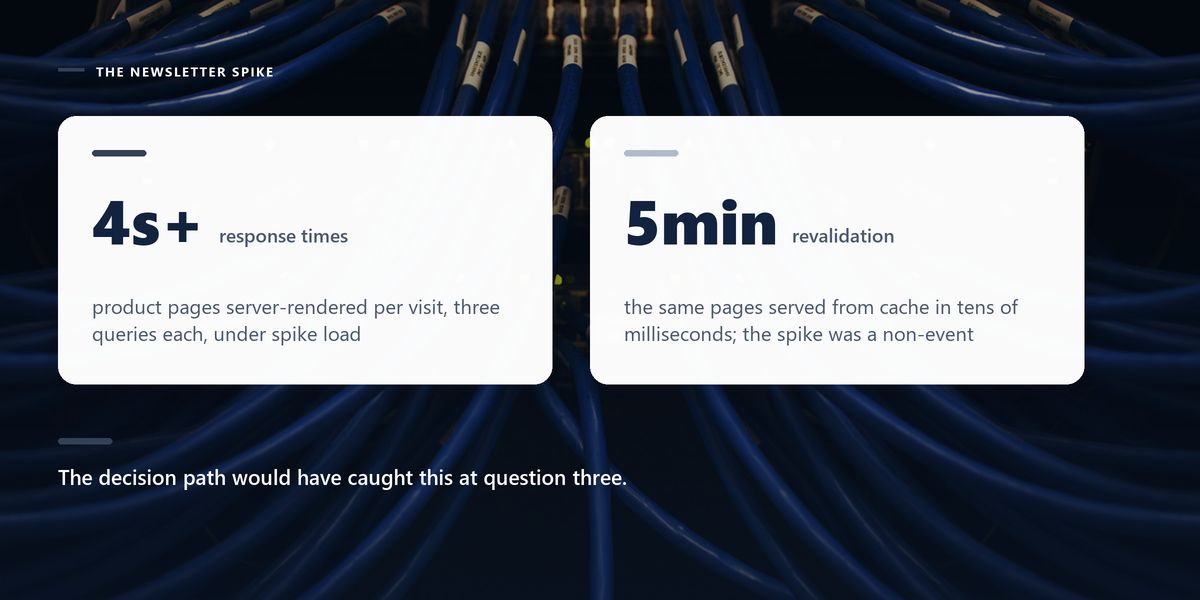
An e-commerce team had product pages server-rendering on every request. Each visit ran three database queries. Under a traffic spike from a newsletter, response times climbed past four seconds and the database became the bottleneck.
The pages were identical for every visitor and the underlying product data changed, at most, a few times a day. Nothing about them required per-request rendering.
Switching to incremental static regeneration with a five-minute revalidation window removed the database from the hot path entirely. Pages served from cache in tens of milliseconds, the spike became a non-event, and merchandising updates still appeared within five minutes.
Anything genuinely per-user must not be statically cached. Rendering a page containing someone's name or order history into a shared cache is a data leak, not a performance optimisation. Personalised sections belong in dynamic or client-rendered components, even on an otherwise static page.
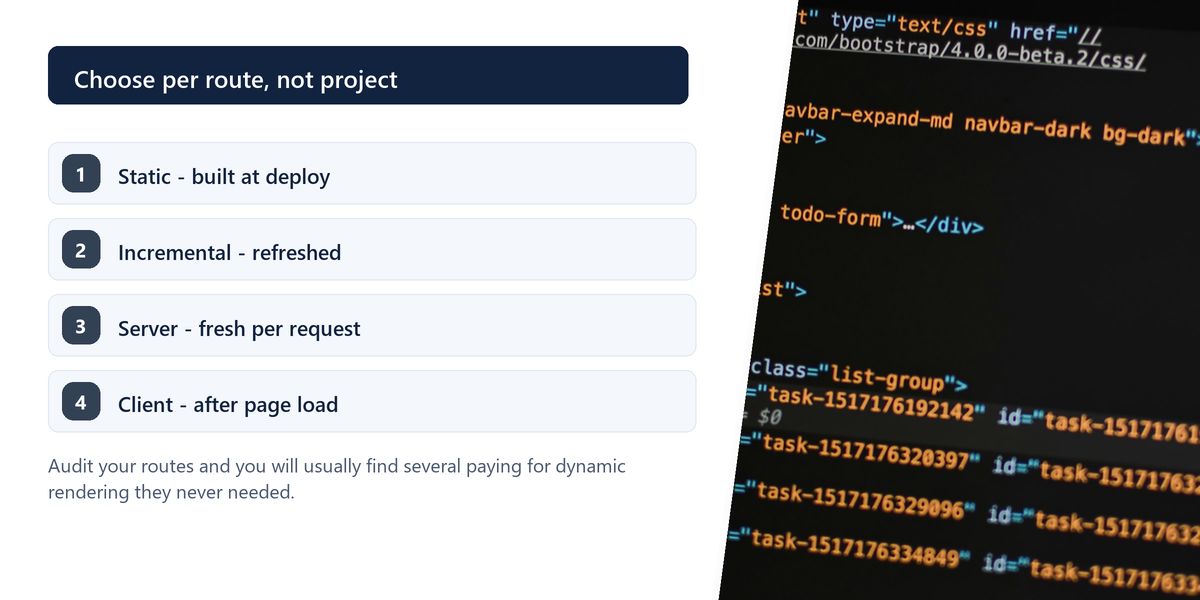
Static generation gives the best performance whenever content is shared and stable. Incremental regeneration extends that to content changing on a schedule. Server rendering handles personalisation and live data. Client rendering suits interaction. Streaming prevents one slow dependency from holding the whole page hostage.
The advantage of Next.js is granularity, and it is wasted if you pick one mode and apply it everywhere. Audit your routes and you will usually find several paying for dynamic rendering they never needed.
Once the strategy per route is right, measure the result — our Core Web Vitals field guide covers what to measure and what the numbers actually mean for users.
Tap a star to share what you thought.
No ratings yet
Static site generation renders pages at build time and serves the same HTML to everyone, with no per-request work. Server-side rendering builds the page fresh on each request, which is necessary for personalised or second-by-second data but costs server time on every visit.
Pages are served statically but automatically re-rendered in the background after a revalidation period you set. Visitors always get a fast cached page, and content refreshes on a schedule — ideal for blogs, catalogues and news sections.
For content that is inherently interactive, personal or live — editor state, dashboards updating every few seconds, anything depending on browser APIs. Not for a page's primary content, which should be in the initial HTML.
Sign in to join the conversation.
Loading responses…
Have a story, idea, or something valuable to share? Join The Blog Story for free, publish your content, reach more readers, and earn a share of advertising revenue from eligible content.
Create quality content. Grow your audience. Grow your earning potential.
Components that render on the server and send no JavaScript to the browser. They can access databases and server-only libraries directly, which reduces bundle size considerably. Only components needing state, effects or event handlers must be client components.
It lets the server send parts of a page as they become ready instead of waiting for everything. A slow section shows a placeholder and fills in later, so the rest of the page is visible and usable immediately.
Ask whether the content is identical for all visitors, whether it must be current to the second, and whether a few minutes of staleness is acceptable. Default to the most static option the page can tolerate and move dynamic only when a requirement forces it.
No, provided you revalidate. Incremental regeneration keeps pages fresh on a schedule while serving fully rendered HTML, which is exactly what crawlers want. Stale content only becomes a problem if nothing ever triggers a rebuild.
Yes, and you should. Choosing per route is the main advantage of the framework: static marketing pages, incrementally regenerated blog posts, and server-rendered account pages can all coexist in the same project.