Flutter, React Native or Native? Choosing a Mobile Stack Without Regret
The decision depends far more on your team than on the frameworks.

5 min read

The decision depends far more on your team than on the frameworks.
Every few months someone publishes a benchmark showing one mobile framework rendering a list marginally faster than another, and every few months teams make a multi-year decision based on it.
For the overwhelming majority of applications, that benchmark is irrelevant. All three options are fast enough. The choice is decided by things that are harder to measure: what your team already knows, who you can hire, how deep you go into platform features, and who will maintain this in three years.
This is a comparison written around those factors rather than frame rates.
Swift with SwiftUI on iOS, Kotlin with Jetpack Compose on Android. You write each app separately, using the platform's own tools, and everything the operating system offers is available the day it ships.
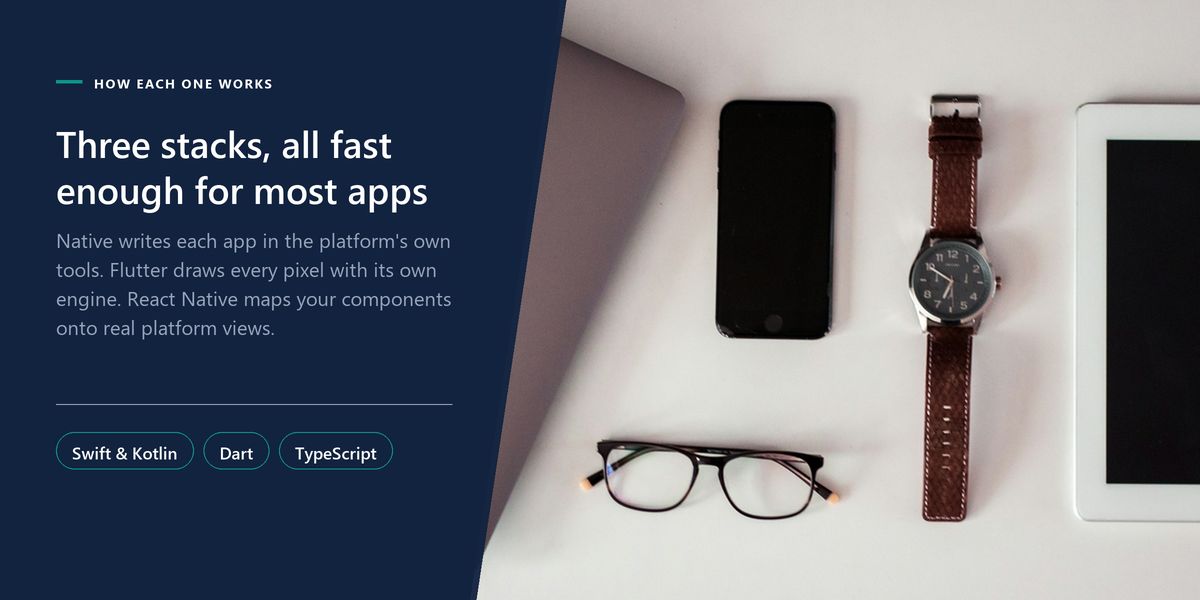
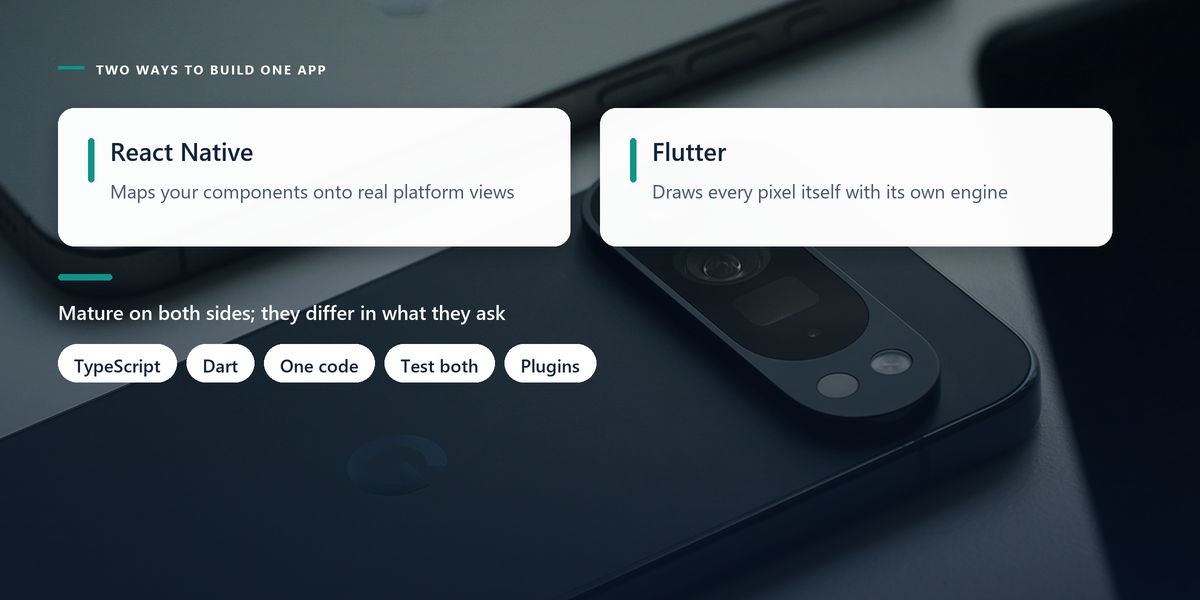
You write Dart, and Flutter draws every pixel itself using its own rendering engine. It does not use the platform's UI components at all. That gives you pixel-identical output across platforms and complete control over appearance.
You write JavaScript or TypeScript with React, and the framework maps your components onto real native platform views. Your button is an actual platform button, so it inherits native look, feel and accessibility behaviour automatically.
That architectural difference explains most of the practical trade-offs between the two. Flutter controls everything and therefore looks the same everywhere; React Native delegates and therefore feels native by default but varies more between platforms.
If your team writes React for the web, React Native is a genuinely small step. The mental model, the component patterns and much of the tooling carry over, and web developers become productive on mobile in weeks rather than months. You can also share validation logic, types and API clients with your web application.
If your team has no strong JavaScript background, that advantage evaporates and Dart is worth a serious look. It is a straightforward, well-designed language that most developers pick up quickly, and Flutter's tooling and documentation are consistently excellent.
If you already have iOS and Android specialists, adopting a cross-platform framework may cost more than it saves. Fighting a framework to do something your team could write natively in an afternoon is a specific and demoralising kind of waste.
| Factor | Flutter | React Native | Native |
|---|---|---|---|
| Language | Dart | TypeScript / JavaScript | Swift and Kotlin |
| UI approach | draws its own widgets | real platform components | platform-native |
| Codebase | one | one, with platform branches | two |
| New OS features | wait for plugin support | wait or bridge yourself | available immediately |
| Best fit | consistent branded UI | React teams and web reuse | deep platform work |
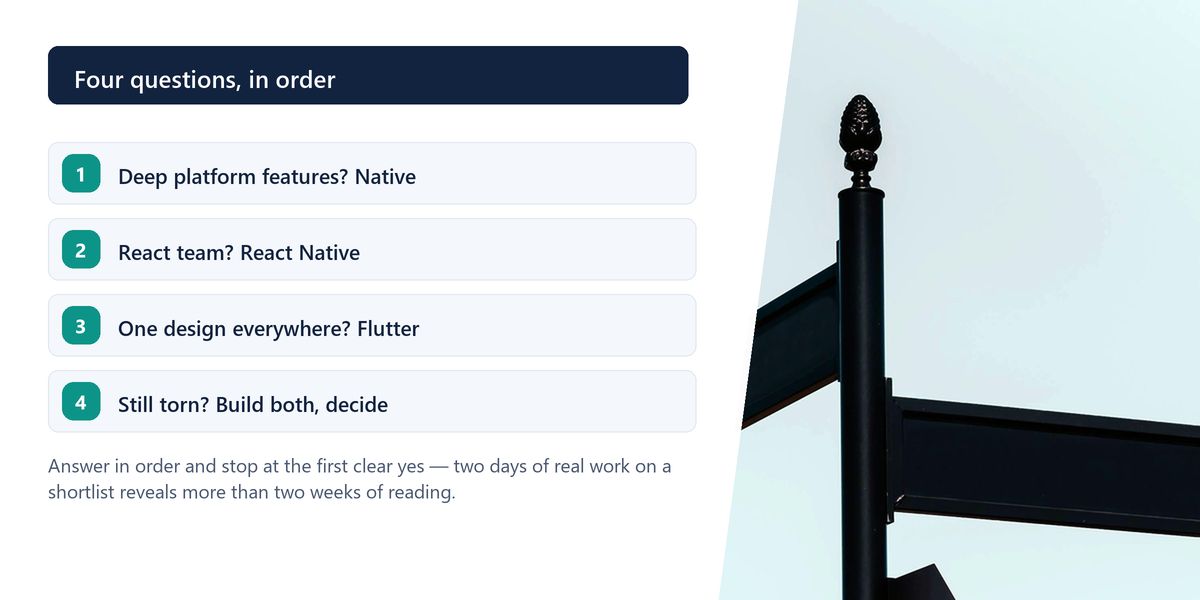
Before committing, build the same small feature in your two shortlisted options — something involving a list, a form, a network call and one platform capability such as the camera. Two days of real work reveals more than two weeks of comparison articles, including this one.
Cross-platform is regularly sold as writing one app instead of two. The honest figure is closer to writing one and a third.
Permissions, notifications, deep links, back-button behaviour, keyboard handling and app lifecycle all differ. You will write platform-specific branches, and you still need to test on both.
Anything touching hardware or platform services goes through a package. Popular ones are excellent; less popular ones are one maintainer's side project, and discovering that a critical package is unmaintained is an unpleasant surprise mid-project.
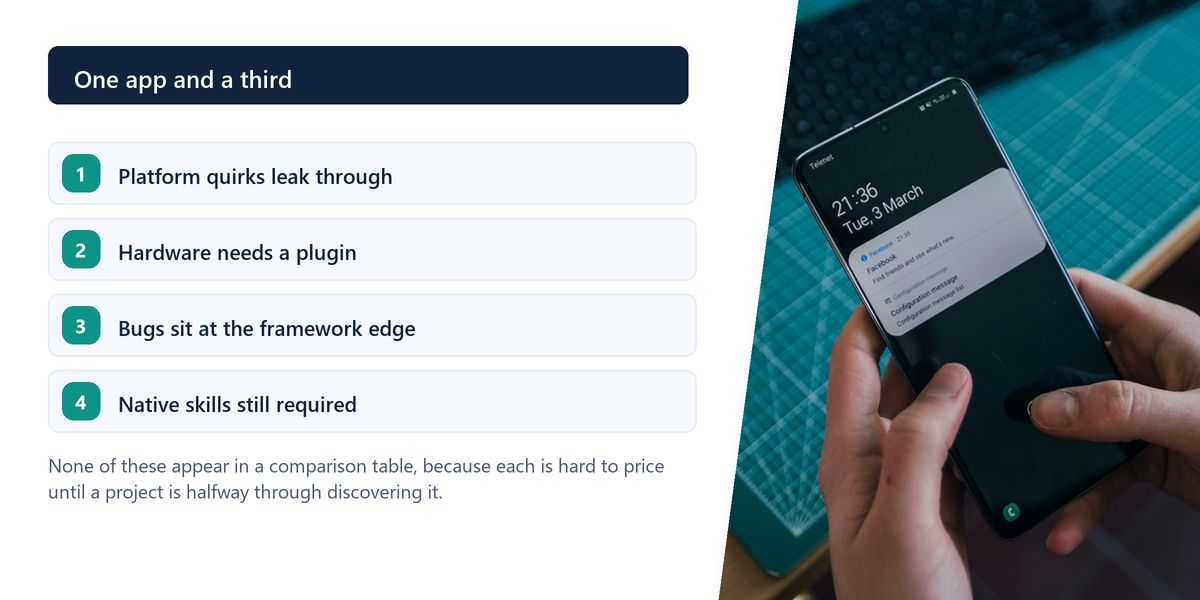
When something breaks at the framework's edge, you need someone who understands both the framework and the underlying platform. Teams with no native knowledge at all eventually hit a problem they cannot diagnose.
A logistics startup with three React web developers and no mobile experience chose React Native for their driver app. They reused their API client and validation logic, shipped both platforms in eleven weeks, and hired for a skill set they already understood.
A design-led fintech in the same accelerator chose Flutter. Their product required a distinctive interface identical on both platforms, and drawing every pixel themselves was an advantage rather than a compromise. Their team had no JavaScript background, so Dart cost them nothing.
Both decisions were correct, and each would have been wrong for the other team. The frameworks were never really the variable.
Choosing a stack based on a benchmark comparing list-scrolling performance is choosing on the dimension least likely to matter. Unless you are building something graphically demanding, your app's speed will be determined by network calls, image loading and application architecture — not by the framework.
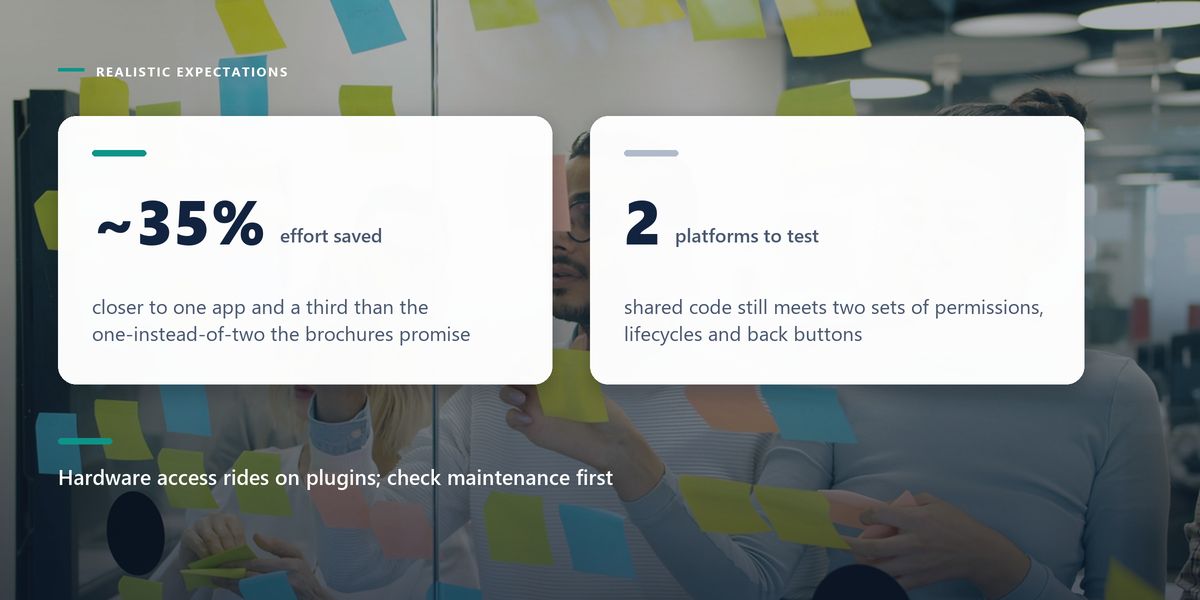
All three stacks build good apps. Native wins on platform depth and immediate OS support. React Native wins when your team knows React and you want to share code with the web. Flutter wins when you want complete control over a consistent interface. Expect cross-platform to save around a third of the work, not half.
The stack that succeeds is usually the one your team can maintain confidently in two years, not the one that scored best in a synthetic benchmark last quarter.
Pick for your people. If you land on Flutter, the next question is architecture — our guide to Flutter state management covers the decision that shapes everything after.
Tap a star to share what you thought.
No ratings yet
Neither is better in general. Flutter draws its own UI, giving identical output across platforms and full design control. React Native uses real platform components and suits teams that already write React. The right answer depends on your team's skills and your design requirements.
For the overwhelming majority of applications, yes. Both major frameworks handle typical business, commerce and content apps comfortably. Performance becomes a genuine constraint mainly in demanding graphics, real-time media and games.
Realistically around 30 to 40%, not 50%. Platform differences in permissions, notifications, navigation and lifecycle still require specific handling, and you must test thoroughly on both platforms regardless.
Sign in to join the conversation.
Loading responses…
Have a story, idea, or something valuable to share? Join The Blog Story for free, publish your content, reach more readers, and earn a share of advertising revenue from eligible content.
Create quality content. Grow your audience. Grow your earning potential.
When you need deep platform integration such as widgets or health data, support for new OS features on release day, heavy graphics or camera work, or an interface that must feel exactly like each platform's own conventions.
Not to start, but some familiarity helps enormously when something breaks at the framework boundary or when a plugin needs patching. Teams with zero native knowledge eventually meet a problem they cannot diagnose.
No. Most developers with experience in any C-family or object-oriented language become productive within a couple of weeks. Flutter's documentation and tooling are strong, which shortens the learning curve considerably.
Business logic, validation, types and API clients share well. UI components generally do not, because the primitives differ. Expect meaningful reuse below the interface layer and very little within it.
Dependence on the plugin ecosystem for anything touching hardware or platform services. Popular packages are well maintained, but a critical dependency that turns out to be one person's abandoned side project is a genuine project risk.