Flutter State Management Explained: From setState to Something That Scales
Every option is a different answer to one question: who owns this value, and who needs to know when it changes?

6 min read
Every option is a different answer to one question: who owns this value, and who needs to know when it changes?
Ask which state management solution to use in Flutter and you will receive four confident, contradictory answers within a minute. It is one of the most argued-about topics in the ecosystem, and most of the argument misses the point.
Every option — setState, Provider, Riverpod, BLoC, signals — is answering the same two questions in a different way. Where does this value live, and how does the interface find out when it changes?
Answer those two questions clearly for your app and the library choice becomes much smaller than it appears. Answer them badly and no library will save you.
Before choosing any tool, classify the state. Almost everything falls into one of three buckets, and each has an obvious home.
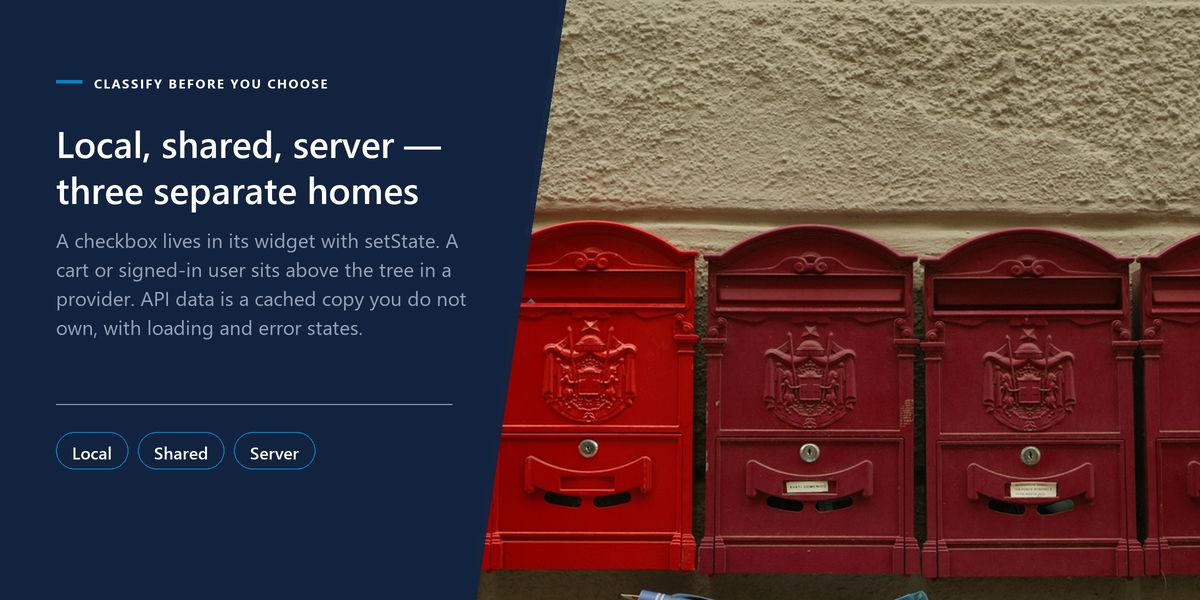
A checkbox, whether a panel is expanded, the current tab, the text in a field, an animation's progress. Used by one widget and its immediate children. This belongs in a StatefulWidget with setState, and nothing else.
A shopping cart, the signed-in user, a theme preference, a filter applied across several screens. Several widgets, often far apart in the tree, need it. This is what dependency injection and state libraries exist for.
Data fetched from an API. It is fundamentally different because it has loading, error and stale conditions, and because it is a cached copy of something you do not own. Treating it as ordinary application state is one of the most common architectural mistakes.
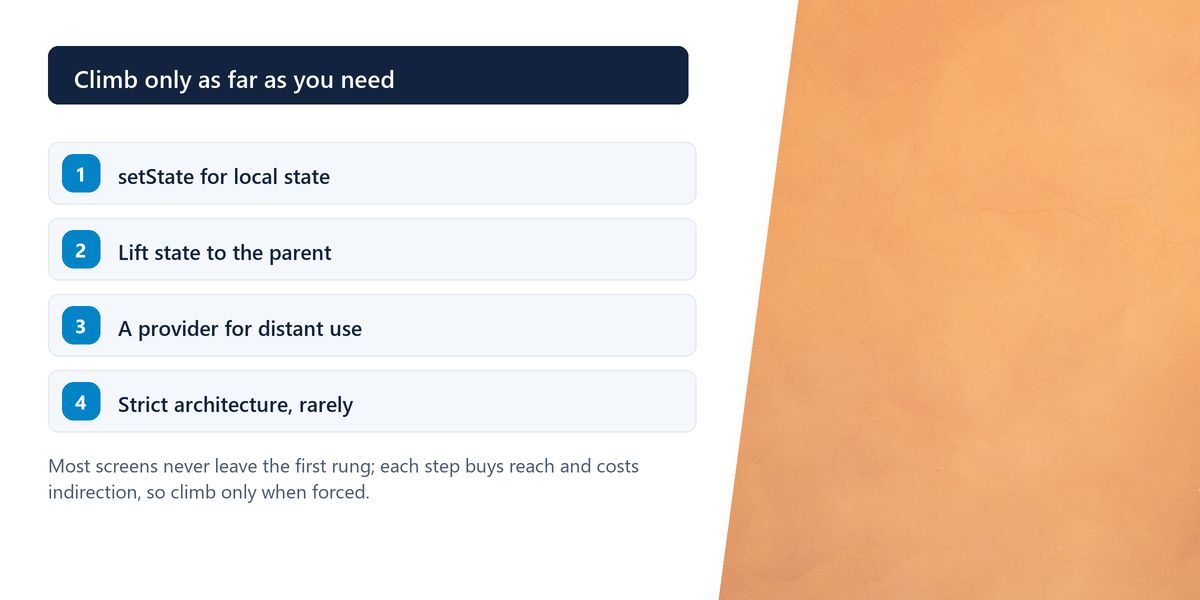
There is a persistent idea that setState is what you use until you learn something better. It is not. For state that belongs to a single widget, it is the correct answer — simplest, most local, and requiring nothing extra.
Putting a widget's expanded flag into a global store is not sophistication. It is moving a value away from the only thing that cares about it, adding indirection and making the widget harder to reuse.
The rule: keep state as close as possible to where it is used, and move it up only when something else genuinely needs it.
The clearest signal is prop drilling — passing a value down through several widgets that do not use it, purely to reach one that does. One layer is fine. Three is a smell. Five means you are hand-rolling dependency injection badly.
The second signal is two sibling widgets needing the same value. If a cart badge in the app bar and a cart page both need the item count, that count belongs above them both, in something they can each read.
| Approach | Best for | Main cost |
|---|---|---|
| setState | state used by one widget | cannot be shared upward |
| InheritedWidget | passing values down the tree | verbose to write directly |
| Provider | shared state, familiar patterns | still tied to widget context |
| Riverpod | shared state, testable, compile-safe | more concepts to learn upfront |
| BLoC | complex flows with clear events | significant boilerplate for simple screens |
A friendly wrapper over Flutter's own InheritedWidget. It makes a value available to a subtree and rebuilds listeners when it changes. It is widely used, easy to learn, and entirely sufficient for a great many applications.
Effectively Provider's successor, addressing its main limitations. Providers are declared independently of the widget tree, which makes them testable without pumping widgets, catches mistakes at compile time rather than runtime, and removes an entire class of context-related errors.
An explicit event-in, state-out architecture. Every user action becomes an event; the business logic emits states. It brings real boilerplate, and in exchange it gives large teams a rigid, uniform, testable structure with an auditable trail of how the app reached any state.
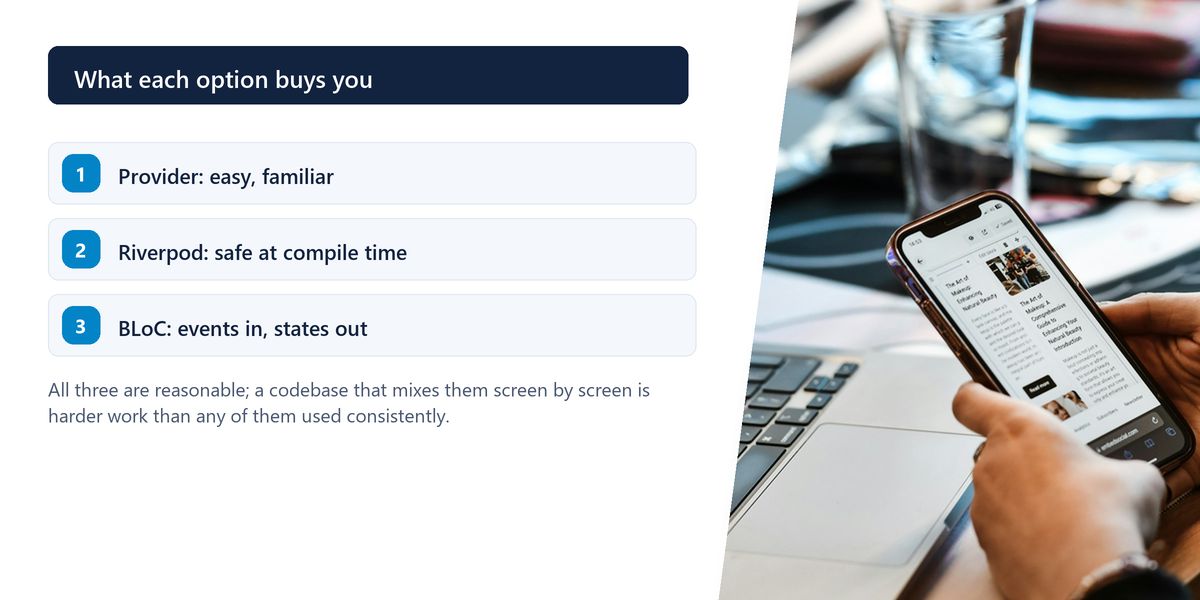
Choose one approach and apply it across the whole project. A codebase mixing Provider on some screens, BLoC on others and a global singleton in a third place is significantly harder to work in than any of the three used consistently — regardless of which one is theoretically best.
Data from an API is not simply a value. At any moment it might be loading, loaded, failed, or loaded-but-stale, and every screen showing it has to handle all four. Modelling it as a nullable field and a boolean produces the familiar bugs: spinners that never stop, errors that vanish on rebuild, and the empty state that flashes before data arrives.
Model it as a state that is explicitly one of loading, data or error — Dart's sealed classes and pattern matching handle this well, and the compiler will then tell you when you have forgotten a case. Whichever library you use, this single modelling decision removes more bugs than any other.
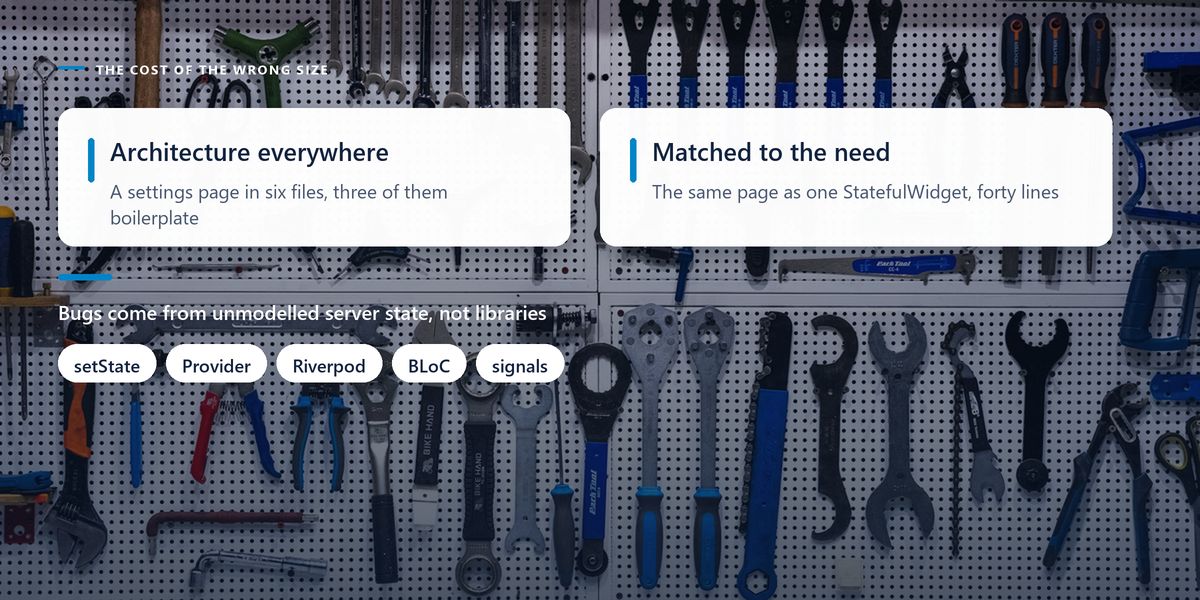
A team new to Flutter adopted a strict BLoC architecture from their first screen, following a well-regarded tutorial. Their settings page — four toggles and a dropdown — arrived as six files, three of them boilerplate, plus a test file mostly asserting that events produced states.
The toggles were pure local state. Nothing outside that screen needed them. A StatefulWidget with setState would have been about forty lines total.
They kept BLoC for genuinely complex flows: authentication, checkout, and a multi-step onboarding sequence where the event log was genuinely useful for debugging. Simple screens went back to setState. Development speed roughly doubled and nothing about the architecture became worse.
Rebuilding too much is the most common Flutter performance problem, and it comes from listening to state too high in the tree. A provider consumed at the top of a page rebuilds the entire page on every change. Consume it at the smallest widget that actually needs the value — the same principle as moving state down in React.
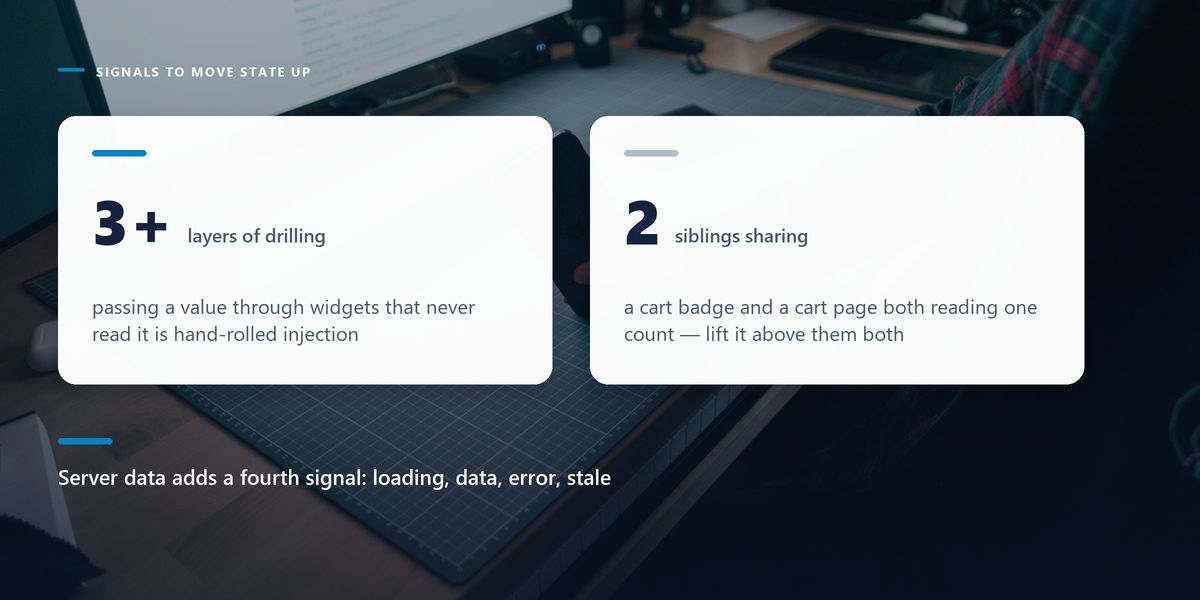
Classify state as local, shared or server. Keep local state local with setState. Lift shared state into a provider when drilling or sibling access demands it. Model server data with explicit loading, data and error states. Pick one approach and stay consistent, and consume state at the smallest widget that needs it.
The Flutter state management debate is loud because the options are all reasonable. The projects that go badly are rarely the ones that picked the wrong library — they are the ones that never decided where state should live, or that applied a heavyweight pattern to a screen with four toggles.
Decide the ownership question deliberately, and any of these tools will serve you well.
Tap a star to share what you thought.
No ratings yet
No. For state used by a single widget and its children it is the correct choice — simplest, most local and requiring no extra dependencies. It becomes inadequate only when widgets far apart in the tree need the same value.
When two distant widgets need the same state, or when you find yourself passing a value down through three or more layers that do not use it. Riverpod is generally the better starting point for new projects because it is testable without the widget tree and catches errors at compile time.
Passing a value down through several widgets that do not use it, purely to reach one that does. It couples unrelated widgets to data they do not care about and makes both refactoring and reuse harder.
Usually, if applied uniformly. Its boilerplate earns its keep in complex flows such as authentication or checkout, where explicit events and states aid debugging. Applying it to a settings screen with four toggles costs far more than it returns.
Model it as an explicit state that is one of loading, data or error rather than a nullable value with a boolean flag. Sealed classes and pattern matching make the compiler enforce that every case is handled, which removes a whole family of common bugs.
Almost always because state is being consumed too high in the widget tree. A provider read at the top of a page rebuilds the whole page on every change; consuming it in the smallest widget that needs the value fixes it.
You can, and it usually costs more than it saves. A codebase with three idioms is harder to work in than one applied consistently, even if each idiom is individually well chosen. Pick one primary approach per project.
Riverpod declares providers independently of the widget tree, which makes them testable without pumping widgets, eliminates context-related runtime errors, and catches more mistakes at compile time. Provider is simpler to learn and remains perfectly adequate for many apps.
Sign in to join the conversation.
Loading responses…
Have a story, idea, or something valuable to share? Join The Blog Story for free, publish your content, reach more readers, and earn a share of advertising revenue from eligible content.
Create quality content. Grow your audience. Grow your earning potential.