Passwords, Passkeys and Two-Factor Authentication: What Actually Protects You
Most password advice is a decade out of date. Here is what the evidence supports now.

6 min read
Most password advice is a decade out of date. Here is what the evidence supports now.
Almost everyone learned the same password rules: mix upper and lower case, add a number and a symbol, change it every ninety days. Those rules were well intentioned and, according to the organisations that originally promoted them, wrong.
The reason is behavioural. Complexity requirements produce predictable substitutions — Password1! — while forced rotation produces incremental variations that attackers anticipate perfectly. Both make passwords harder for humans and barely harder for software.
Current guidance from major standards bodies is close to the opposite: longer passwords, no arbitrary complexity rules, no scheduled expiry, and screening against known-breached credentials. Here is what that means in practice.
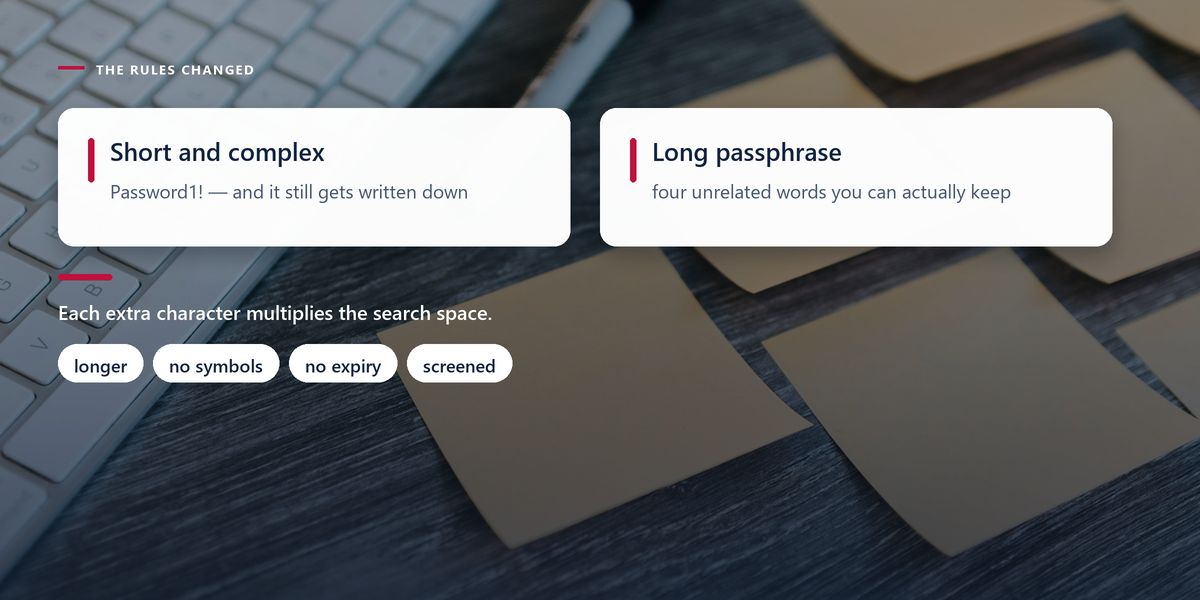
Every additional character multiplies the number of possibilities an attacker must try. Adding a symbol to an eight-character password increases that space modestly; adding four more characters increases it by orders of magnitude.
This is why a passphrase of several unrelated words is both stronger and easier to remember than a short string of substituted characters. The important word is unrelated — a phrase from a song or a well-known quotation is in the wordlists that attackers use, and its length will not save it.
Requiring a change every ninety days sounds prudent. What it produces is Summer2025! becoming Autumn2025!, because people need to remember the thing they are being forced to change.
The predictability is the problem. Attackers who obtain one password can often guess the next several. Meanwhile the policy adds friction that pushes people towards writing passwords down or reusing them elsewhere.
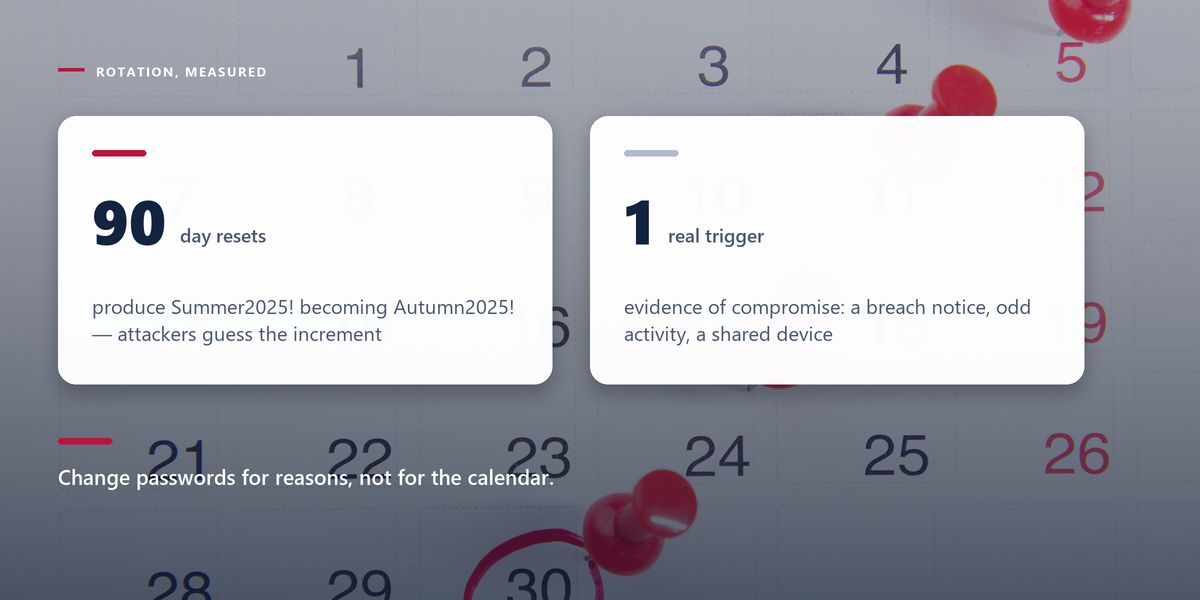
Modern guidance is to change a password when there is evidence of compromise — a breach notification, suspicious activity, a shared device — and not on a calendar.
If there is one thing to take from this article, it is this. The most common way ordinary accounts are compromised is not that someone guessed a password. It is that a password was reused.
The attack is called credential stuffing and it is entirely automated. A breach at one service exposes millions of email and password pairs, and software tries those pairs against hundreds of other services. It succeeds constantly, because reuse is so common.
This means the strength of your password on a well-run service is largely irrelevant if the same password is also on a forum that was breached in 2019. Uniqueness matters more than strength.
Use a password manager. It is the only practical way to have a different strong password for every account, it fills credentials only on the correct domain — which quietly defeats most phishing — and it removes the memory burden that drives every bad password habit.
A second factor means a stolen password alone is not enough. Not all second factors are equal, and the differences matter.
| Method | Protects against | Weakness |
|---|---|---|
| SMS codes | password-only attacks | SIM swapping and interception |
| Email codes | password-only attacks | as strong as your email account |
| Authenticator app | password theft and SIM swapping | phishable in real time |
| Push approval | most remote attacks | approval fatigue — people tap yes |
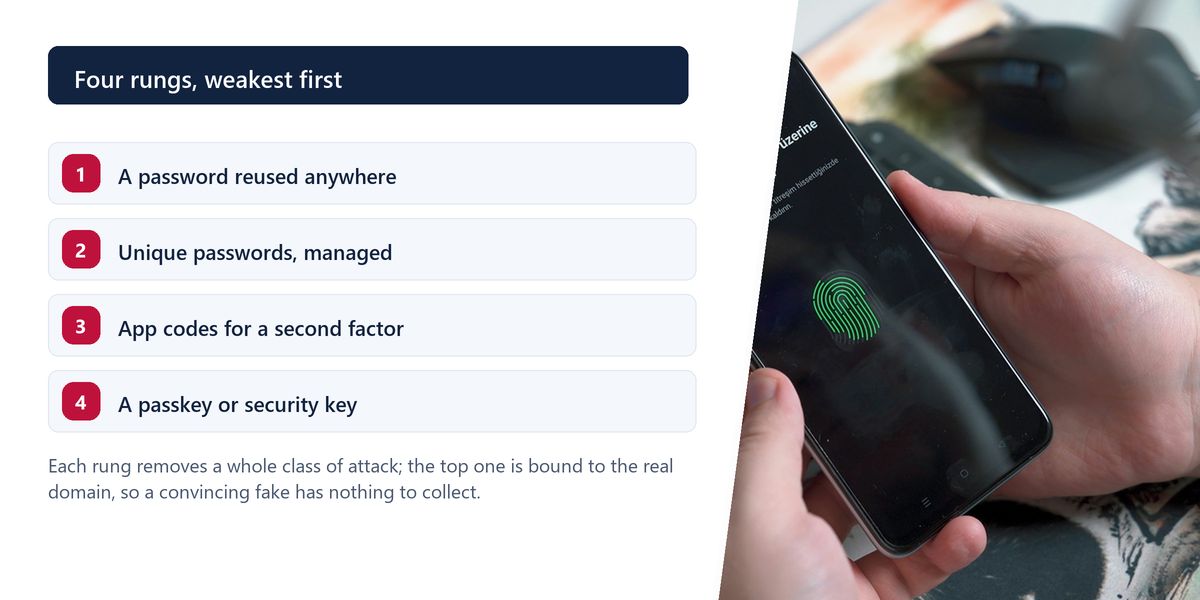
| Security key | phishing, including real-time | you must carry it |
| Passkey | phishing, reuse and breaches | recovery flows need care |
The critical distinction is phishing resistance. A code from an authenticator app can be phished: a convincing fake login page asks for it, and the attacker relays it to the real site within the sixty-second window. This happens routinely.
Security keys and passkeys are immune to that, because the cryptography is bound to the real website's domain. On a fake site there is simply nothing to hand over.
A passkey replaces the password with a key pair. The private key stays on your device, protected by your fingerprint, face or device PIN; the public key is held by the website. Signing in means your device proves it holds the private key without ever transmitting it.
Three properties follow, and together they are why passkeys represent a genuine step change.
The trade-offs are practical rather than cryptographic: device loss, syncing across ecosystems, and account recovery. Platform providers sync passkeys through their own accounts, and password managers increasingly store them too, which addresses most of it — but recovery flows are now the weakest link and deserve attention.
An employee at a mid-sized company received a call from someone identifying themselves as IT support, saying an urgent security update required them to re-authenticate. Moments later a login page arrived by email, looking exactly right.
They entered their password, then read out the six-digit code from their authenticator app when asked to confirm. The attacker entered both into the real site within seconds and had a valid session.
The organisation had done almost everything correctly: strong password policy, mandatory two-factor authentication, security training. The gap was that app-based codes are phishable. After the incident they moved to security keys for finance and administrative accounts, and the same attack — attempted again four months later — failed with no user action required.
Account recovery is frequently the weakest part of the whole system. Elaborate authentication protecting an account that can be reset by answering questions about your first school is not protecting much. Treat recovery options with the same seriousness as the login itself, and store backup codes somewhere genuinely safe.
Unique beats complex, and phishing-resistant beats both. Everything else in account security is detail.
— The one-line version
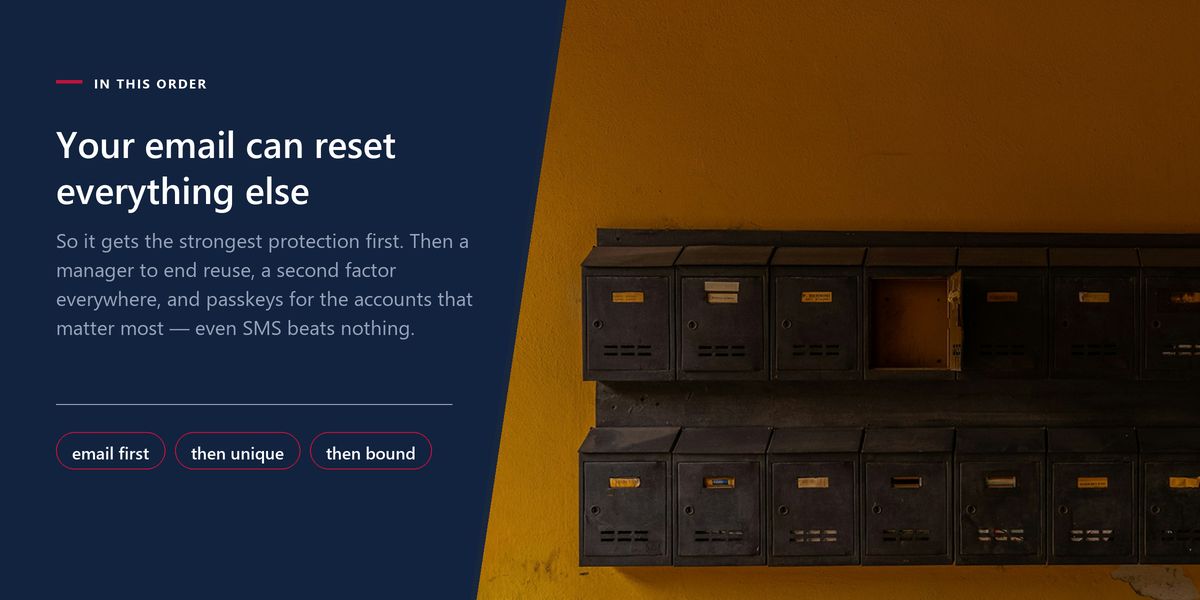
Prefer long passphrases to short complex strings. Do not rotate on a schedule. Never reuse a password, and use a manager to make that realistic. Enable a second factor everywhere, preferring app codes to SMS and passkeys or security keys to both. Secure your email first, and take account recovery seriously.
Password advice went wrong by optimising for a theoretical attacker while ignoring how people actually behave. The current guidance is better because it accepts human limits: fewer rules, longer secrets, and tools that remove the memory burden entirely.
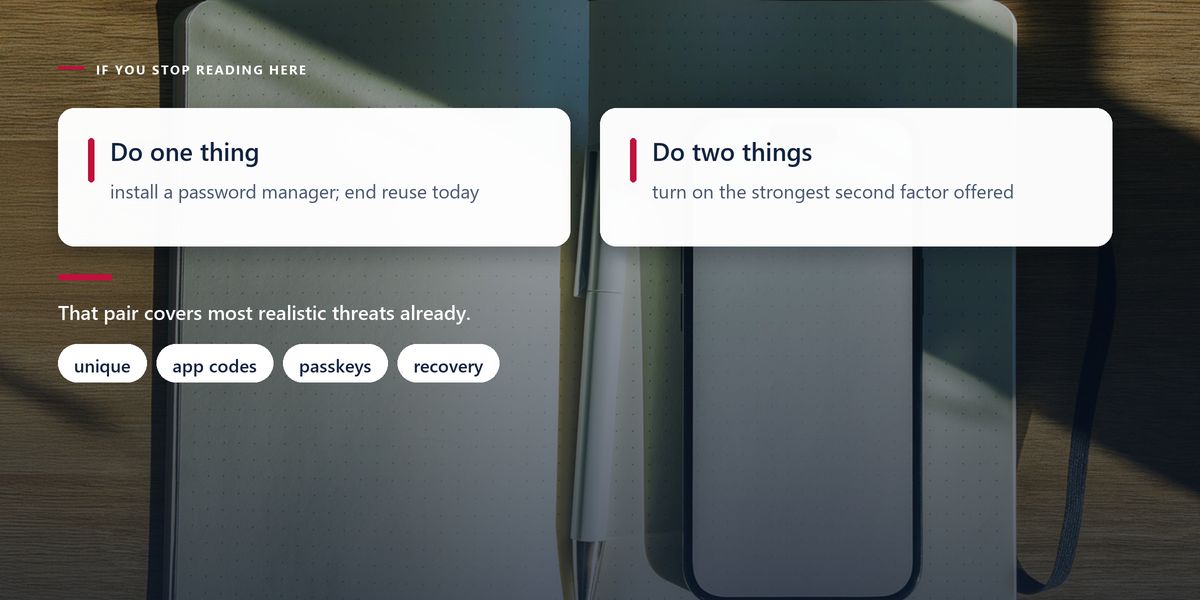
If you do one thing, install a password manager. If you do two, turn on the strongest second factor your important accounts support. That combination handles the overwhelming majority of realistic threats. Developers building the other side of this should read our web application security fundamentals.
Tap a star to share what you thought.
No ratings yet
No, not on a schedule. Forced rotation produces predictable increments such as changing a season or a number, and adds friction that encourages reuse. Change a password when there is evidence of compromise or a breach notification.
Yes. Each additional character multiplies the number of possibilities an attacker must try, far outweighing the effect of adding a symbol. Use several unrelated words rather than a known phrase, which will already be in attackers' wordlists.
Because credential stuffing is automated: attackers take email and password pairs from one breach and try them against hundreds of other services. A strong password on a well-run site offers little protection if the same one was on a site breached years ago.
Sign in to join the conversation.
Loading responses…
Have a story, idea, or something valuable to share? Join The Blog Story for free, publish your content, reach more readers, and earn a share of advertising revenue from eligible content.
Create quality content. Grow your audience. Grow your earning potential.
Yes, for the overwhelming majority of people. They make unique passwords for every account practical, and they fill credentials only on the correct domain, which defeats most phishing. The risks of not using one are considerably larger.
It is much better than no second factor and much weaker than the alternatives. SIM swapping and message interception are real and documented. Use it where nothing else is offered, and upgrade important accounts to an authenticator app or a passkey.
A key pair replacing the password. The private key stays on your device behind your biometric or PIN; the site stores only the public key. Signing in proves possession without transmitting anything reusable, so breaches and phishing both lose their material.
No, in the way passwords and app codes can. The key is cryptographically bound to the real site's domain and will not respond to a lookalike. The remaining risk sits in device loss and account recovery flows, which deserve careful setup.
Your primary email. It can reset the password on almost everything else, which makes it the single point of failure for your entire online presence. Give it your strongest available protection before anything else.