Git Workflows for Teams: Choosing One That Fits How You Actually Ship
The branching model should follow your release cadence, not the other way round.

6 min read
The branching model should follow your release cadence, not the other way round.
Almost nobody chooses their Git workflow. Someone set it up in the first month, everyone learned the commands, and years later a team ships continuously while still maintaining a release branch, a develop branch and a hotfix process designed for quarterly versioned releases.
That mismatch is expensive in a quiet way. It shows up as merge conflicts, as changes sitting in review for days, as an integration that takes an afternoon because two branches drifted apart for three weeks.
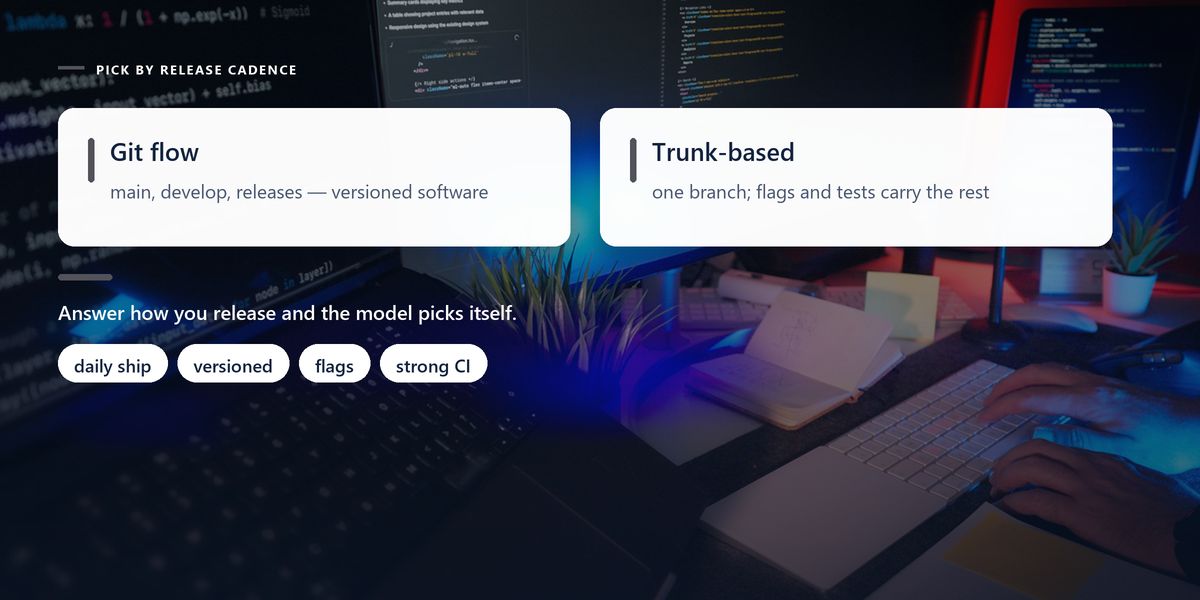
The right workflow follows from one question: how do you release? Answer that honestly and the branching model mostly picks itself.
Before comparing models, the property that matters more than any of them: branch lifetime.
A branch that lives for two days integrates easily. A branch that lives for three weeks accumulates conflicts, drifts from the main line, and becomes a large risky merge that everyone postpones — which makes it older, and worse.
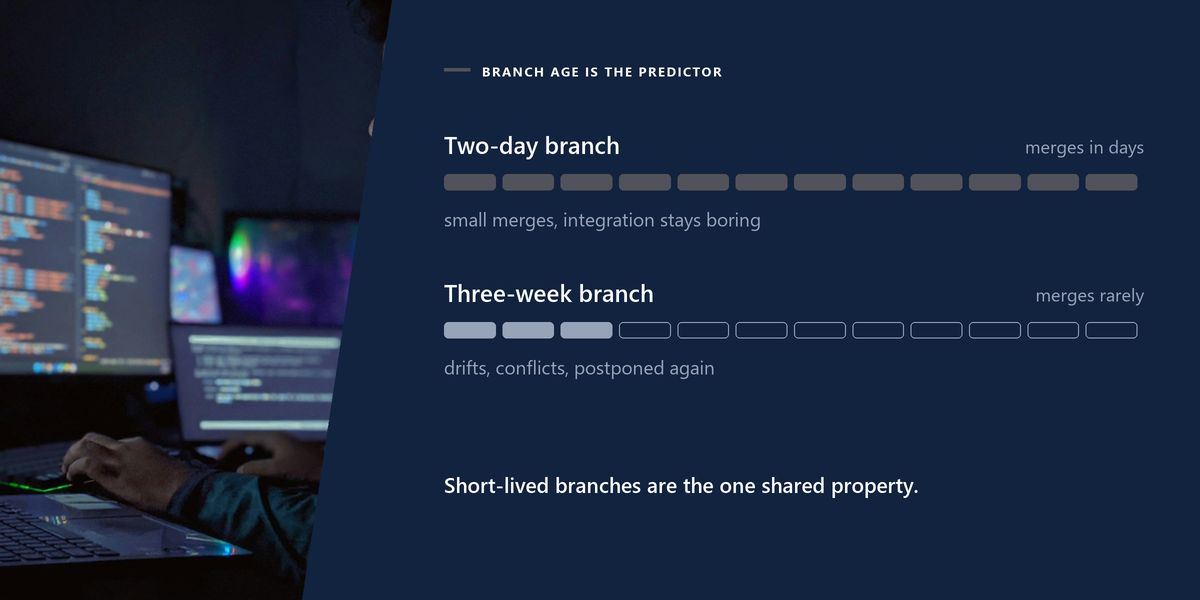
Every effective workflow, whatever it is called, keeps branches short-lived and changes small. Every painful one has long-running branches somewhere in it.
Everyone works from one main branch. Feature branches exist but live hours or a day or two, then merge back. Incomplete work ships behind feature flags rather than waiting on a branch.
This suits teams deploying continuously, and it is the model behind most high-throughput engineering organisations. Integration problems surface immediately, while they are small, rather than at the end of a sprint.
It demands discipline in exchange. Main must always be releasable, which means strong automated testing and a genuine feature-flag habit. Without those, trunk-based development is just everybody breaking main together.
A pragmatic middle ground, and the right default for most product teams. One long-lived main branch, a short-lived branch per change, a pull request for review, merge when it passes, deploy from main.
It is simple enough to explain in a paragraph, it fits continuous or near-continuous deployment, and it gives you a natural review point. For a team of three to thirty people shipping a web application, this is usually the correct answer.
The elaborate model — main, develop, feature branches, release branches, hotfix branches — was designed for software with versioned releases that must be supported after they ship. Desktop applications, libraries, firmware, anything where several versions exist in the world simultaneously.
For that situation it is well designed. For a web application deployed several times a day it is pure overhead: two long-lived branches to keep synchronised, a release process for something that releases continuously, and a hotfix path for a system that could simply deploy the fix.
| Model | Fits | Requires | Main cost |
|---|---|---|---|
| Trunk-based | continuous deployment | feature flags, strong tests | discipline |
| GitHub flow | most product teams | CI on pull requests | very little |
| Git flow | versioned, supported releases | release management | two long-lived branches |
| Fork and pull | open source, external contributors | maintainer review capacity | slower iteration |
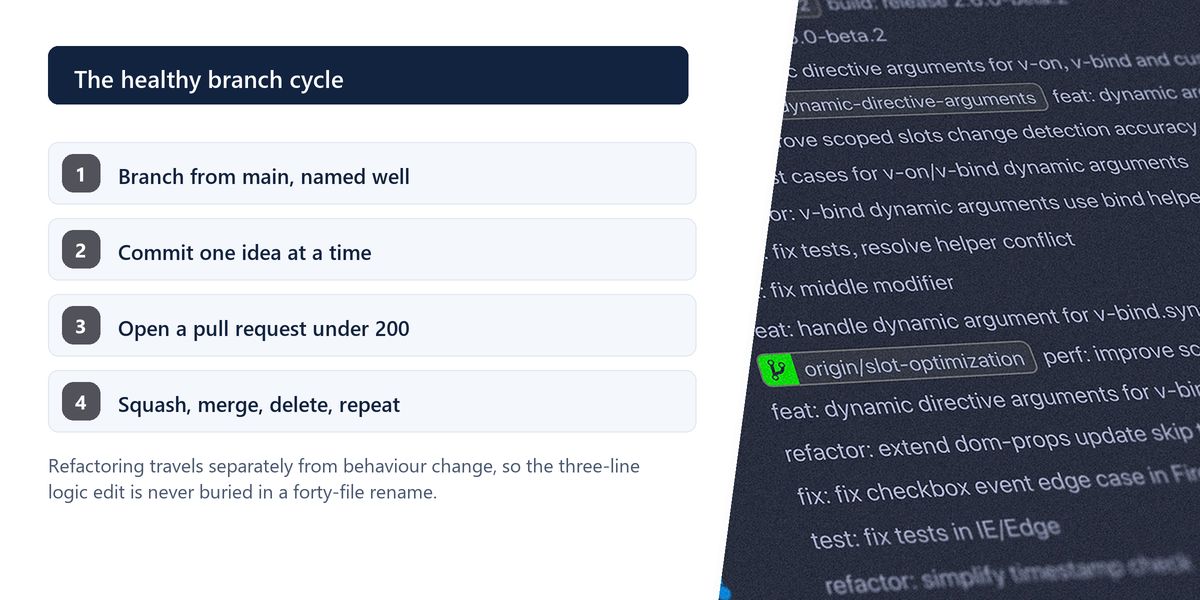
The size of a change determines the quality of its review, more than anything about the reviewer. Under 200 lines and reviewers read it properly and find real issues. Over 500 and approval rates go up while defect detection goes down, because people skim.
Large pull requests are usually a sequencing problem rather than an unavoidable one. Refactoring in one change and behaviour in the next, or an interface in one and its implementation in the next, gives two reviewable changes instead of one unreviewable one.
Separate refactoring from behaviour change, always, in different commits and ideally different pull requests. A diff mixing a rename across forty files with a three-line logic change makes the logic change effectively invisible — and that is exactly the line a reviewer needed to see.
Commit history is documentation for whoever debugs this in eighteen months, and that is the standard to write to.
This argument consumes more energy than it deserves. All three work; what matters is that a team picks one and applies it consistently.
Squash merging gives a clean main branch with one commit per change, which is easy to read and easy to revert — at the cost of losing the intermediate steps. Merge commits preserve full history and the exact shape of integration, at the cost of a busier graph. Rebasing produces a linear history, which reads beautifully and requires more care with shared branches.
For most product teams, squash merging pull requests is the pragmatic default: main becomes a readable list of changes, each revertible in one command.
A team building a payments integration worked on a branch for three weeks, keeping it separate to avoid destabilising main. It seemed like the careful choice.
The merge took two days. Two other developers had refactored a shared module in the meantime, a dependency had been upgraded, and the resulting conflicts touched files nobody on either side fully understood. The pull request was 4,200 lines and was approved by someone who admitted afterwards that they had skimmed it.
Their next large feature went behind a flag, merged to main in daily increments, and shipped disabled until it was ready. Integration cost went to nearly zero, and every increment received an actual review.
A branch protected from main to avoid instability is trading a small, continuous risk for a large, deferred one. The instability does not disappear; it accumulates and arrives all at once, at the least convenient moment, usually near a deadline.
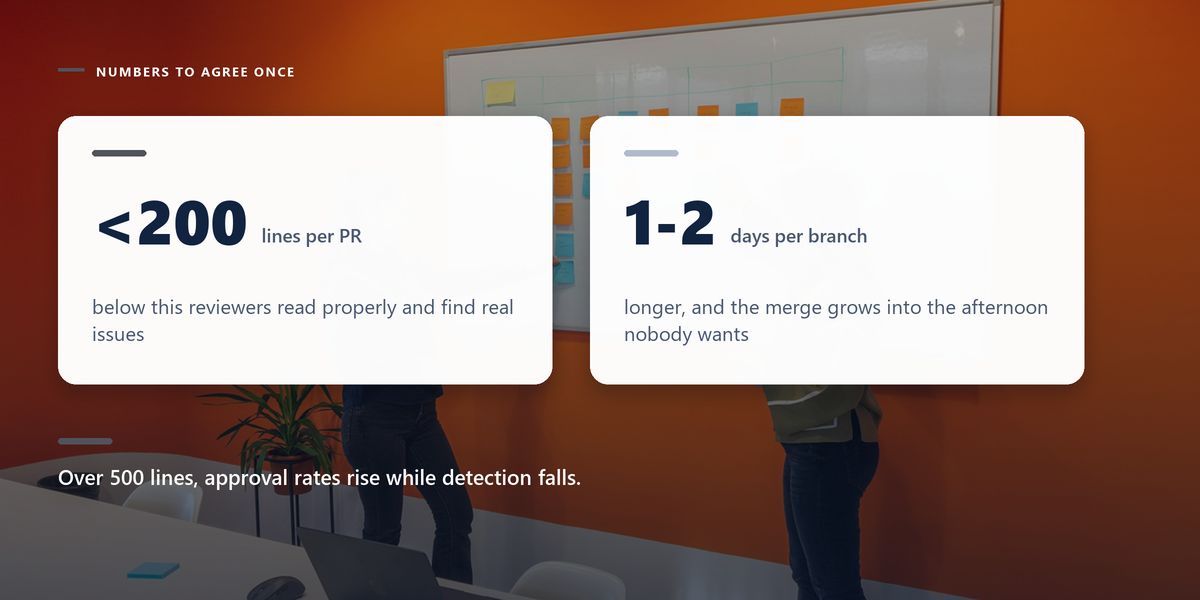
Keep branches short-lived and changes small — that matters more than the model's name. Use GitHub flow unless you have a specific reason not to, trunk-based if you deploy continuously and have flags and tests, and Git flow only if you genuinely support multiple released versions. Keep pull requests small, separate refactoring from behaviour, and write commit messages that explain why.
Workflow arguments are usually proxies for a different question: how confident are we that main works? Teams with strong automated verification can integrate constantly and safely. Teams without it build elaborate branching to compensate, and pay for it in merge pain.
Improve the confidence and the workflow simplifies almost by itself. Our guide to CI/CD pipelines teams trust covers exactly that side of it.
Tap a star to share what you thought.
No ratings yet
A workflow where everyone integrates into one main branch, with feature branches living hours or a day at most. Incomplete work ships behind feature flags rather than waiting on a branch, so integration problems surface while they are still small.
Not outdated, just narrower than its popularity suggests. It is well designed for software with versioned releases that must be supported after shipping. For a web application deployed several times a day it adds branches and process with no corresponding benefit.
GitHub flow is the sensible default: one main branch, a short-lived branch per change, a pull request with automated checks, merge and deploy. It is simple to explain, fits continuous deployment and gives you a natural review point.
Sign in to join the conversation.
Loading responses…
Have a story, idea, or something valuable to share? Join The Blog Story for free, publish your content, reach more readers, and earn a share of advertising revenue from eligible content.
Create quality content. Grow your audience. Grow your earning potential.
A day or two. Beyond a week, conflicts accumulate, the branch drifts from main and the eventual merge becomes a large risky event that people postpone — which only makes it worse.
Small enough to be read properly, which in practice means under a couple of hundred lines. Beyond about 500 lines, approval rates rise while defect detection falls, because reviewers skim rather than read.
All three work; consistency matters more than the choice. Squash merging is the pragmatic default for product teams because main becomes a readable list of changes, each revertible with a single command.
On your own unpushed branch, yes, and it produces a cleaner history. Rebasing or force-pushing a branch that others have based work on rewrites shared history and creates confusing, time-consuming problems for everyone else.
Merge main into it frequently rather than waiting until the end, so conflicts are resolved a few at a time. Better still, avoid the situation by shipping incrementally behind a feature flag.