Containers and Docker Explained: What They Really Are
Not tiny virtual machines — isolated processes sharing one kernel.

6 min read
Not tiny virtual machines — isolated processes sharing one kernel.
The standard explanation is that a container is a lightweight virtual machine. It is a useful first approximation and it is wrong in a way that matters, because it leads directly to two common mistakes: treating containers as secure isolation boundaries, and treating them as long-lived servers.
A container is not a machine at all. It is a normal process running on the host's operating system, with the kernel restricting what it can see. Its own filesystem, its own network interface, its own view of the process table — but the same kernel as everything else on the host.
That single distinction explains why containers start in milliseconds, why they are so small, and why the security story is more nuanced than a virtual machine's.
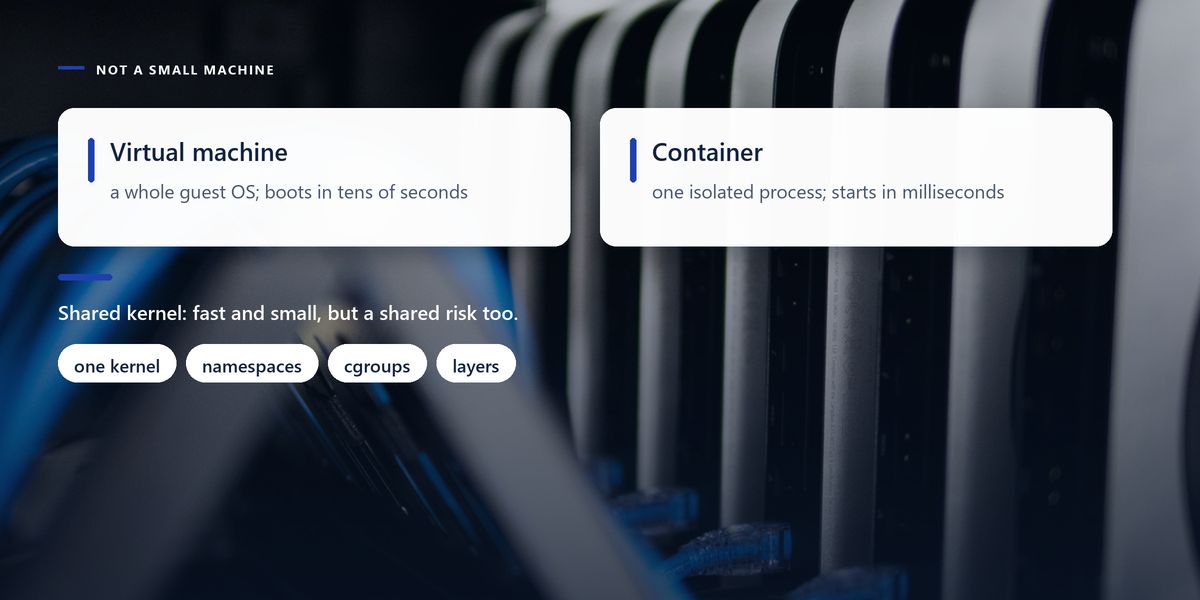
A virtual machine emulates hardware and runs a complete guest operating system with its own kernel. That is why it takes tens of seconds to boot and occupies gigabytes: it genuinely is a computer, simulated.
A container shares the host kernel and isolates a process using kernel features — namespaces to control what it can see, and control groups to limit what it can consume. Starting one is close to starting any other process, because that is essentially what it is.
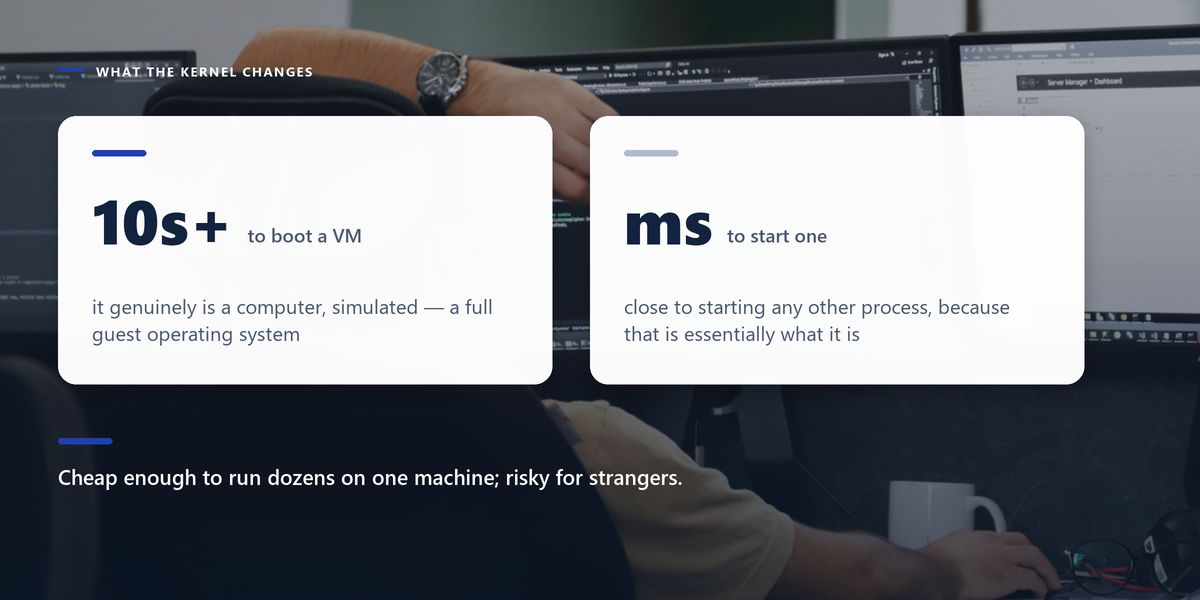
The practical consequences follow directly. Containers start almost instantly and are cheap enough to run dozens on one machine. They also share a kernel, so a kernel vulnerability is a shared risk in a way it is not between virtual machines — which is why untrusted, multi-tenant workloads are usually given stronger isolation.
An image is a read-only template; a container is a running instance of one. Images are built in layers, each layer being the filesystem changes made by one build instruction.
Layers are cached and shared. If ten images are built on the same base, that base is stored once. If you rebuild after changing only your application code, every layer before that change is reused from cache and the build takes seconds.
This is why instruction order in a build file matters so much, and why so many builds are needlessly slow.
Copy your dependency manifest and install dependencies before copying your application source. Dependencies change rarely and installing them is the slow step; source changes constantly and copying it is instant. Get this order wrong and every one-line code change reinstalls everything from scratch.
The mental shift that separates people using containers well from people fighting them is this: a container is not a server you maintain. It is something you throw away and recreate.
Anything written inside a running container disappears when it is replaced, which is a feature rather than a limitation. It means every container starts from a known state and there is no such thing as configuration drift.
It also imposes a rule: persistent state must live outside. Databases use mounted volumes, uploaded files go to object storage, sessions go to a shared cache, and configuration arrives through environment variables. A container that stores something important on its own filesystem will lose it on the next deploy.
| Practice | Why | Common mistake |
|---|---|---|
| Dependencies before source | keeps the build cache useful | copying everything first |
| Multi-stage builds | compilers never reach production | shipping a 1.2GB image |
| A small base image | less to download, smaller attack surface | a full OS for a static binary |
| Run as a non-root user | limits damage if the process is compromised | running as root by default |
| Pin base image versions | reproducible builds | using the 'latest' tag |
| A .dockerignore file | keeps build context small and secrets out | shipping the .git directory |
Multi-stage builds deserve particular attention because the saving is so large. Build your application in one stage that contains compilers, package managers and build tools, then copy only the finished artefact into a clean, minimal final stage. Images routinely drop from over a gigabyte to under a hundred megabytes, and everything you removed was also attack surface.
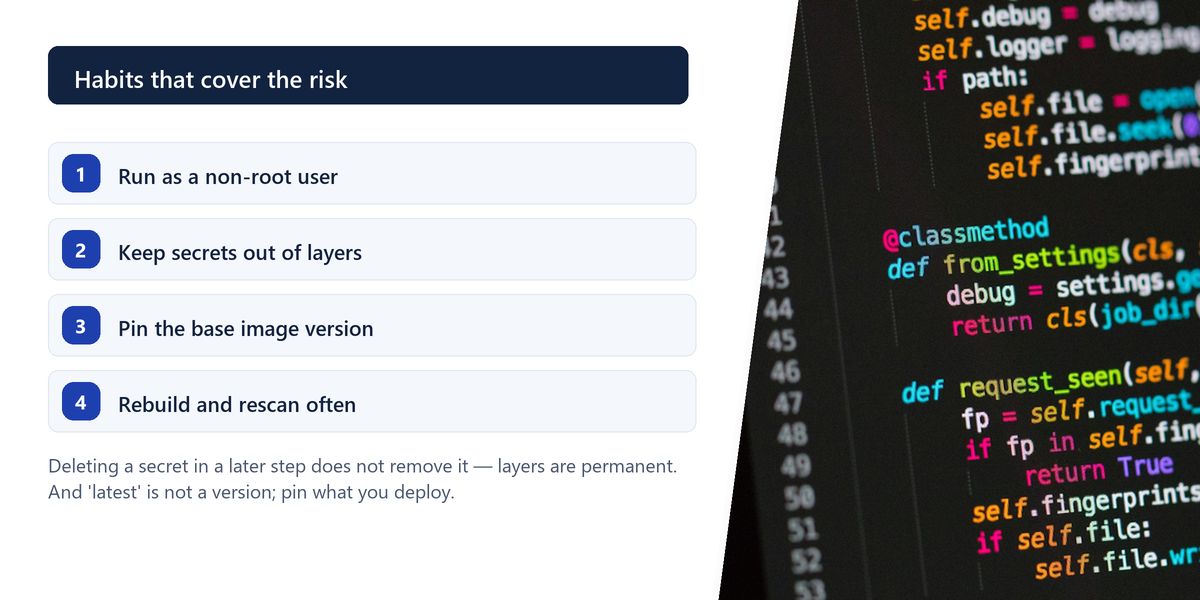
Containers provide meaningful isolation and are not a security boundary equivalent to a virtual machine. Three habits cover most of the practical risk.
A team's application image was 1.4 gigabytes. Deployments were slow, the container registry bill was noticeable, and their vulnerability scanner reported hundreds of findings — almost all in packages the application never used.
The image was built from a full operating system base and included the compiler toolchain, development headers, the package cache and the entire .git directory, because the build copied the whole working directory before doing anything else.
A multi-stage build, a minimal runtime base and a .dockerignore file brought it to about 90 megabytes. Deploys became roughly ten times faster, the vulnerability count fell by more than 90%, and the application itself was completely unchanged.
The 'latest' tag is not a version. It is whatever was pushed most recently, which means a build that succeeded this morning can fail this afternoon with no change on your side, and a rollback may not restore what you actually had. Pin base images to a specific version for anything you deploy.
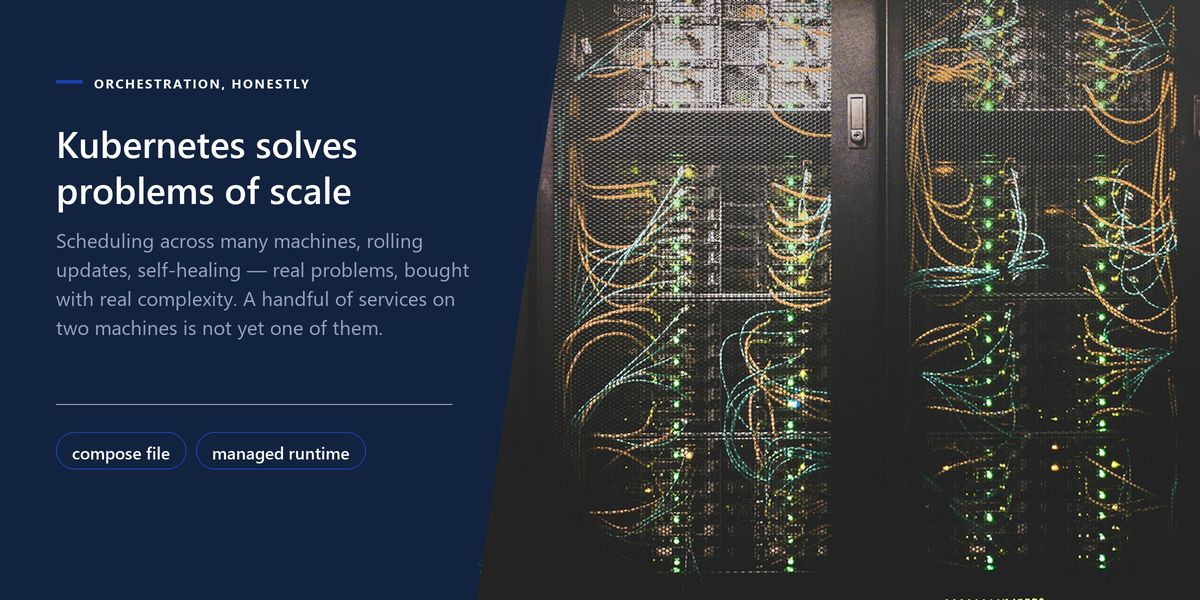
Kubernetes is frequently introduced far earlier than it is needed. It solves genuine problems — scheduling across many machines, rolling updates, service discovery, self-healing — and it brings substantial operational complexity in exchange.
For a handful of services on one or two machines, a compose file or a managed container service is usually a better fit. The honest question is whether you have the scale that creates the problems Kubernetes solves, or whether you are adopting it because it is what serious companies use.
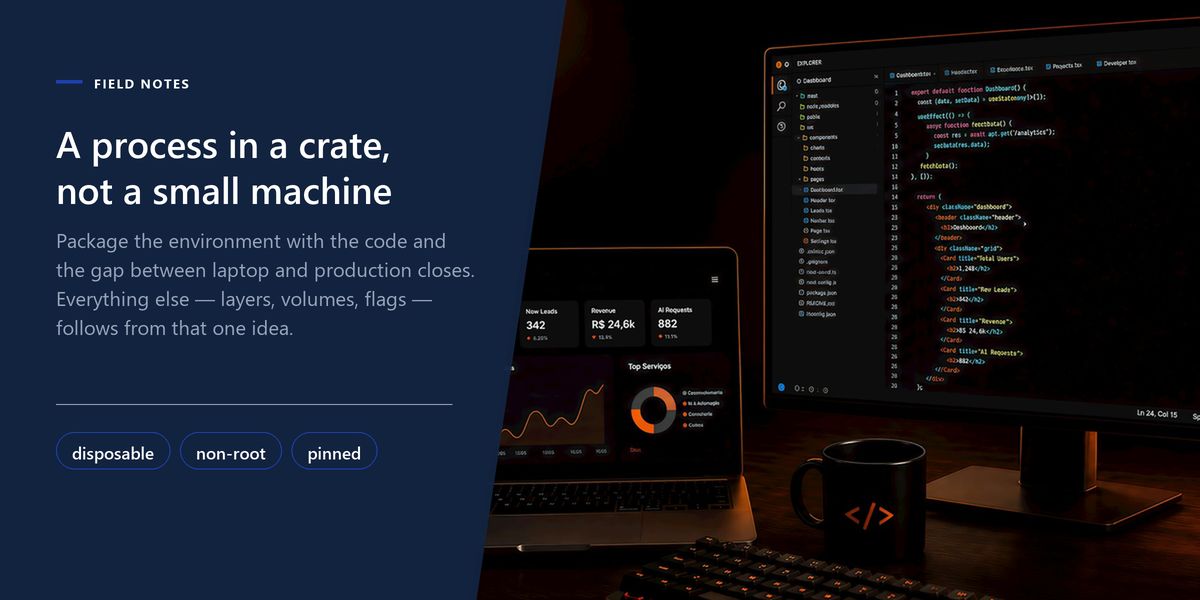
Containers solve 'it works on my machine' by making the machine part of the artefact. Everything else about them follows from that one idea.
— The shortest useful summary
A container is an isolated process sharing the host kernel, which is why it starts instantly and stays small. Images build in cached layers, so install dependencies before copying source. Keep containers disposable and state external. Use multi-stage builds, minimal bases, non-root users and pinned versions, and keep secrets out of images entirely.
Containers became standard because they solved a real and expensive problem: the gap between the environment where code was written and the one where it runs. Package the environment with the code and that gap closes.
Understand what they actually are and the rest follows naturally — including which of the surrounding tools you genuinely need. Your CI/CD pipeline is where most of these habits either get enforced or quietly skipped.
Tap a star to share what you thought.
No ratings yet
A virtual machine runs a complete guest operating system with its own kernel on emulated hardware. A container is an isolated process sharing the host's kernel, restricted by namespaces and control groups — which is why it starts in milliseconds and measures in megabytes.
An image is a read-only template built in layers; a container is a running instance of that image with a writable layer on top. One image can produce many containers, and anything written to that writable layer is lost when the container is replaced.
Almost always because the source code is copied before dependencies are installed. That invalidates the build cache on every code change, so the slow dependency step runs again. Copy the dependency manifest, install, and only then copy the source.
They provide meaningful isolation but share the host kernel, so they are a weaker boundary than virtual machines. Run as a non-root user, keep secrets out of images, scan and rebuild base images regularly, and use stronger isolation for untrusted multi-tenant workloads.
You can, and you will lose it on the next deploy. Persistent state belongs in mounted volumes, object storage or external services. Treating containers as disposable is what gives you consistent, drift-free environments.
A build file with several stages where the application is compiled in one stage containing build tools, and only the finished artefact is copied into a clean minimal final stage. It commonly reduces image size by an order of magnitude and removes attack surface.
Because it means whatever was pushed most recently, not a fixed version. Builds become non-reproducible, a working build can fail hours later with no change on your side, and rolling back may not restore the image you actually ran.
No. Kubernetes solves scheduling, rolling updates and self-healing across many machines, at the cost of significant operational complexity. For a few services on one or two hosts, a compose file or a managed container service is usually a better fit.
Sign in to join the conversation.
Loading responses…
Have a story, idea, or something valuable to share? Join The Blog Story for free, publish your content, reach more readers, and earn a share of advertising revenue from eligible content.
Create quality content. Grow your audience. Grow your earning potential.