Cloud Cost Optimisation: Where the Money Actually Goes
Most overspending is not inefficiency. It is things nobody remembers switching on.

6 min read

Most overspending is not inefficiency. It is things nobody remembers switching on.
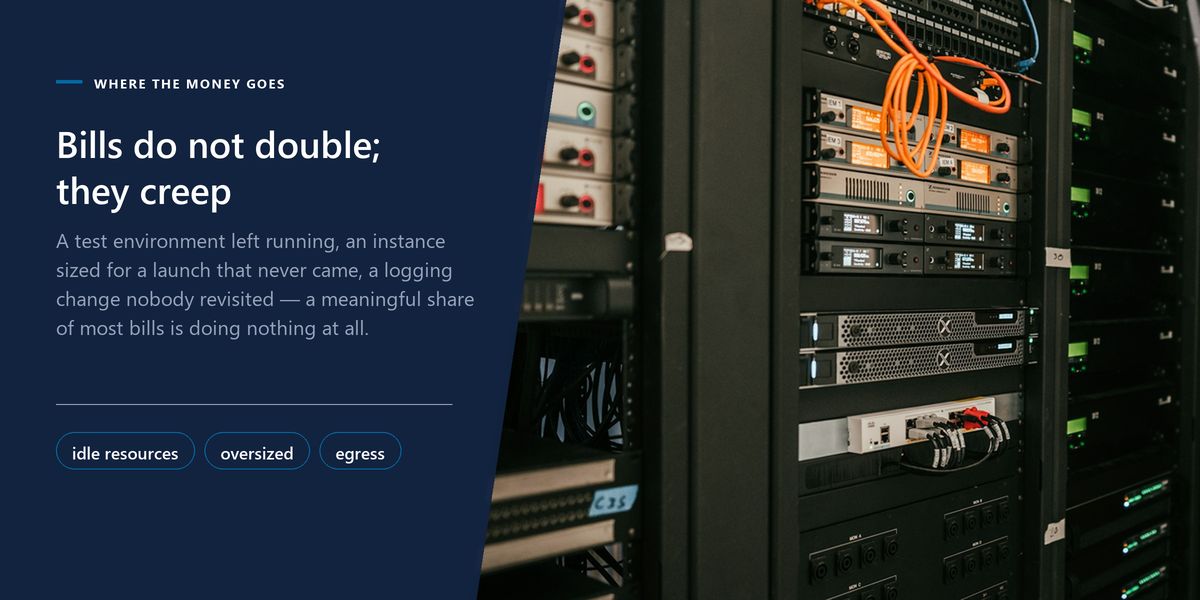
Cloud bills have a distinctive shape to their growth. They rarely double because of a single reckless decision. They creep — a test environment left running, an instance sized for a launch that never came, a logging change that quadrupled ingestion, a backup policy nobody has revisited since 2023.
That creep is why cost reviews are so consistently productive. There is almost always a meaningful percentage sitting in resources that are running, billed, and doing nothing whatsoever.
This is a practical walkthrough of where to look, in descending order of how much you are likely to find.
Before optimising anything, find what should not exist at all. This is the cheapest possible saving, because there is no trade-off to weigh — it is not serving anyone.
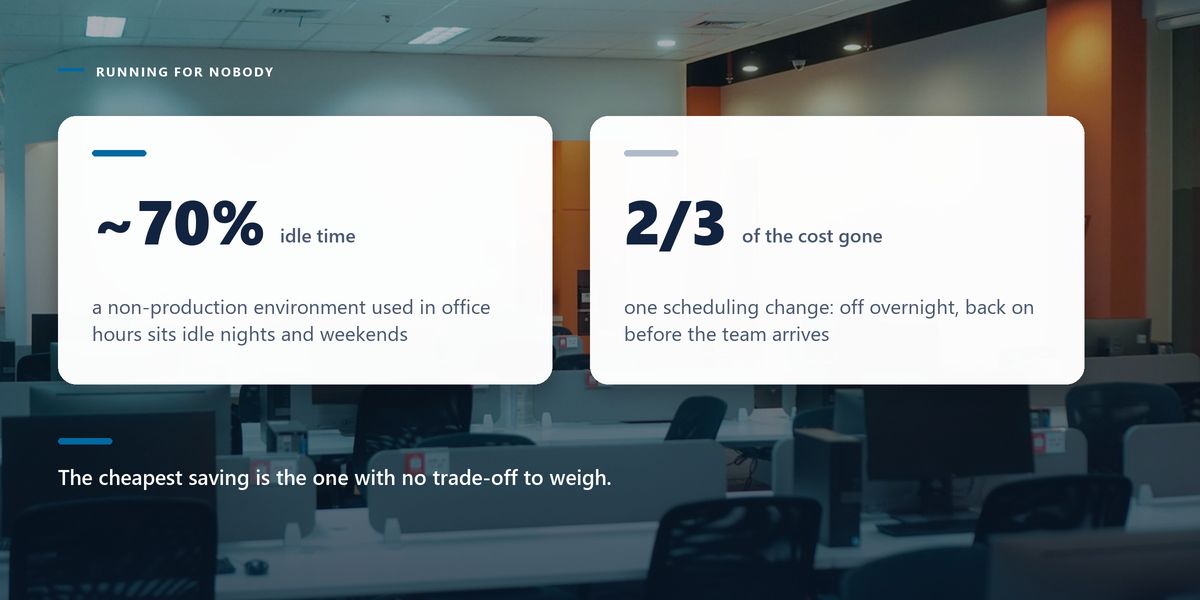
That last one is worth dwelling on. Scheduling non-production environments to shut down outside working hours is a one-time configuration that removes about two-thirds of their cost, with essentially no downside for anyone.
The second-largest category is resources that exist for a reason but are far larger than the work requires. Look at actual utilisation over 30 days rather than at what someone estimated at provisioning time.
Sustained CPU utilisation below 10% is a strong signal. So is a database instance whose memory is barely touched, or a container with limits set to four times its observed peak.
Right-size against the 95th percentile of real usage over a month, not against the peak. Sizing for the single busiest minute of the year means paying for that capacity every minute of the year — and most workloads have autoscaling or burst capacity available for genuine spikes.
This is the line item that most often surprises people, because it does not correspond to anything you provisioned. You did not choose to buy egress; it accumulated from architecture decisions made for other reasons.
The pattern is consistent across providers: data coming in is usually free, data going out to the internet is billed, and traffic between availability zones or regions is billed too. A chatty service architecture spread across zones can generate substantial internal transfer costs that appear nowhere in anyone's mental model.
| Cost driver | Typical cause | What helps |
|---|---|---|
| Internet egress | serving assets and media directly | put a CDN in front of it |
| Cross-zone traffic | chatty services spread across zones | co-locate services that talk constantly |
| Cross-region replication | backups or multi-region setups | confirm the requirement is real |
| NAT gateway processing | private subnets fetching from the internet | endpoints for provider services |
| Log ingestion | verbose logging at scale | sample debug logs, keep errors complete |
Object storage is cheap enough that people stop thinking about it, which is exactly how it becomes a large line item. The important thing is that providers offer several tiers at very different prices, and most data is in the wrong one.
A log file from 2022 does not need to be instantly retrievable. Moving it to an archival tier can cut its cost by an order of magnitude. The rule to apply is a lifecycle policy: automatically transition objects to colder tiers as they age, and delete them when they pass your retention requirement.
Do check retrieval costs before archiving, though. Archival tiers charge for reading data back, sometimes substantially, so data you actually access should not go there regardless of its age.
Every major provider offers a meaningful discount — often 30 to 60% — for committing to a level of usage over one or three years. For genuinely steady baseline workloads this is the largest single lever available.
The trap is committing to capacity you later stop needing. The safe approach is to cover only your reliable baseline, the floor your usage never drops below, and leave everything above it on flexible pricing. Reviewing usage for a few months before committing costs you nothing and prevents an expensive mistake.
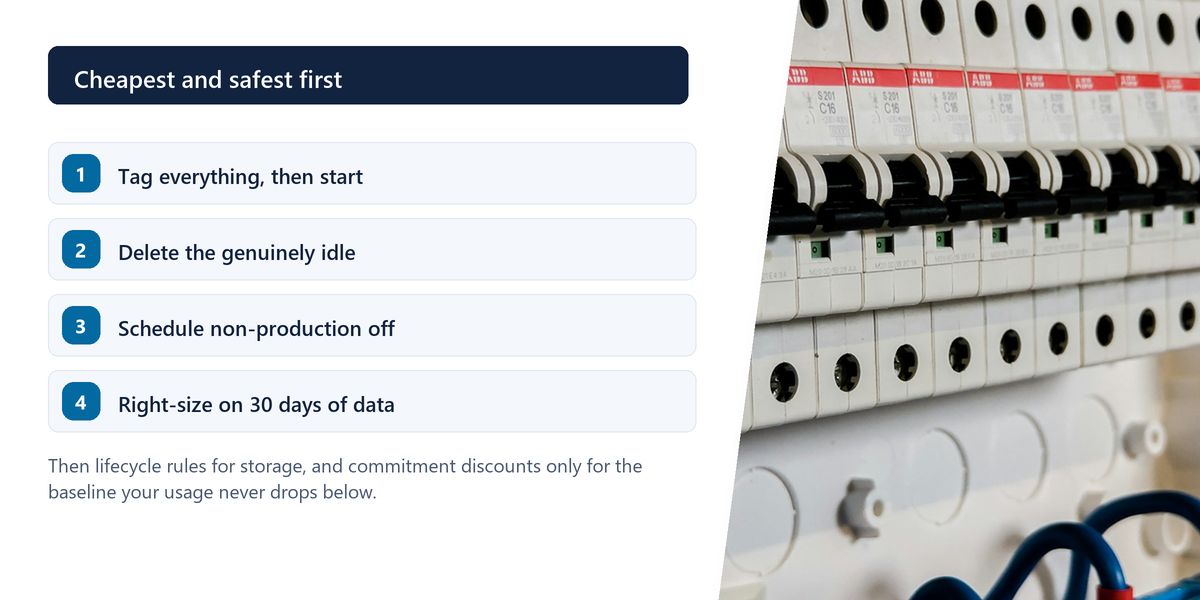
The most effective cost control is not technical. It is making spend visible to the people who create it.
That requires tagging: every resource labelled with an owner, an environment and a service. Without it, a bill is one enormous number that belongs to nobody, and the conversation is always about the total rather than about any specific decision.
With it, each team sees their own figure. This changes behaviour reliably and immediately, because engineers who can see the cost of an oversized instance generally do something about it without being asked.
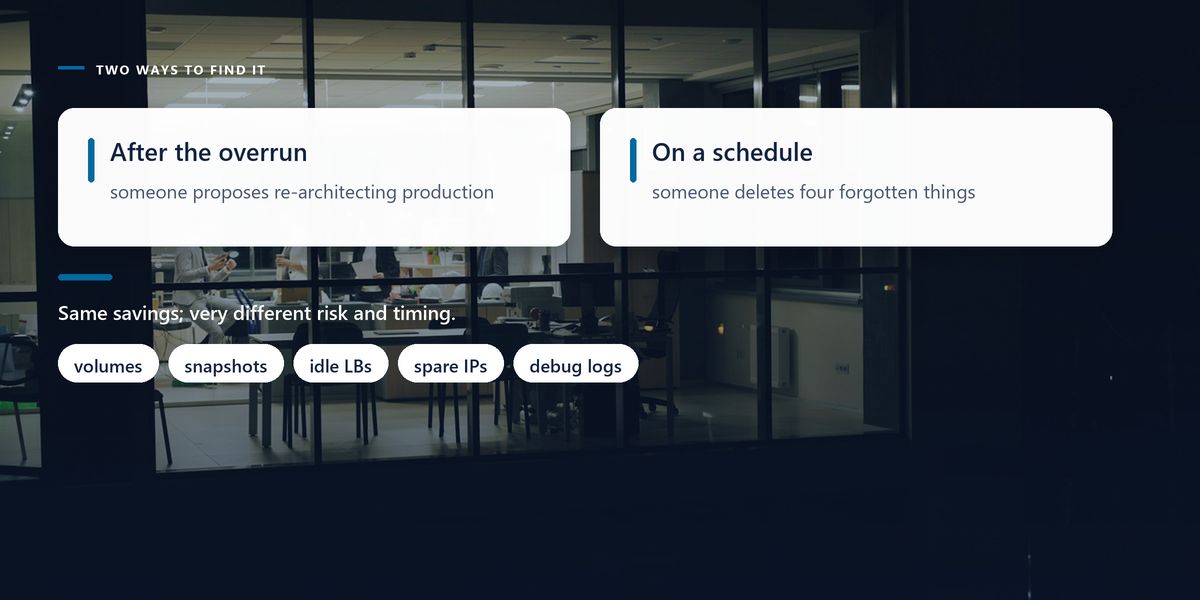
A company reviewed cloud spend after a budget overrun. The engineering team's first instinct was that production would need to be re-architected.
The audit found otherwise. Four staging environments ran continuously though they were used only in office hours. Around 2TB of unattached volumes remained from decommissioned machines. Snapshot retention had never been configured, so three years of daily backups had accumulated. Debug-level logging had been enabled during an incident eight months earlier and never turned down.
Fixing those four items cut the bill by 34%. Production was not touched at all, and no user-facing behaviour changed. The re-architecture was quietly dropped from the roadmap.
Cost optimisation can quietly buy an outage. Reducing instance sizes without headroom for traffic spikes, deleting snapshots that turn out to be a recovery point, or archiving data that is read weekly all save money right up until they do not. Change one thing at a time and watch it for a week.
Find idle resources first, schedule non-production environments off, right-size against a month of real utilisation, model data transfer and log ingestion, apply storage lifecycle rules, and commit only to your reliable baseline. Tag everything so the spend has an owner.
Cloud costs grow through accumulated small decisions, so they shrink the same way. A quarterly review of the six items above typically finds more than a major re-architecture would, at a fraction of the risk.
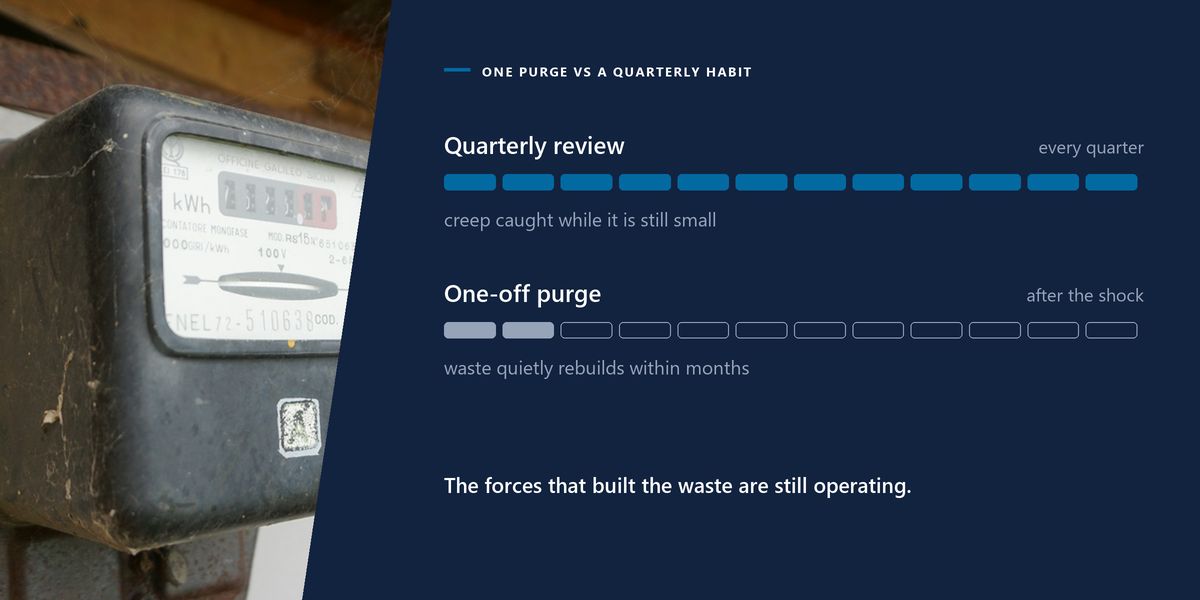
Set a recurring reminder. The waste rebuilds itself steadily, because the same forces that created it the first time are still operating.
Tap a star to share what you thought.
No ratings yet
Usually through accumulation rather than one decision: forgotten test environments, storage left behind by deleted machines, snapshot policies with no expiry, verbose logging enabled during an incident, and data transfer charges that were never modelled.
Shutting down non-production environments outside working hours. They are typically idle around 70% of the time, the change is a scheduled task rather than an architectural one, and nobody experiences any downside.
Look at actual utilisation over at least 30 days and size against roughly the 95th percentile rather than the annual peak. Change one resource at a time and observe it for a week before continuing.
Sign in to join the conversation.
Loading responses…
Have a story, idea, or something valuable to share? Join The Blog Story for free, publish your content, reach more readers, and earn a share of advertising revenue from eligible content.
Create quality content. Grow your audience. Grow your earning potential.
Because inbound traffic is usually free while outbound and cross-zone traffic are billed, so costs accumulate from architecture rather than from anything you provisioned. Chatty services spread across availability zones are a common and invisible driver.
Only for the baseline usage you are confident will persist — the floor your consumption never drops below. Discounts of 30 to 60% are substantial, but committing to capacity you later stop needing cancels out the benefit.
Apply lifecycle policies that move objects to colder tiers as they age and delete them at the end of your retention period. Check retrieval charges first, because archival tiers are expensive to read from and unsuitable for data you access regularly.
Because untagged spend belongs to nobody. With owner, environment and service tags, each team sees its own number and can act on it. Without them, the only available conversation is about one large total nobody can influence.
Yes, if done carelessly. Removing headroom, deleting a snapshot that was a recovery point, or archiving frequently read data all save money until the moment they do not. Change one thing at a time and monitor the result.